
Sergey Miloserdov
Hello! My name is Sergei Miloserdov, and I'm a system analyst at Nau Engine. As part of the product team, I'm deeply immersed in the gaming industry and its history. Before joining the engine development team, I had extensive experience working in various companies that use gamification in children's education and post-traumatic rehabilitation. This background motivated me to write a series of articles about different input devices (controllers), both gaming and non-gaming, and their uses.
In this part, we'll talk about the origins of games (surprise: it started long before Doom), figure out what polished cabinets have to do with scientific research and Brookhaven Laboratory, track the evolution of controllers from simple dials to modern VR devices, and remember those that didn't take off but significantly influenced game development.
Epic strategies or camera adventures, absurd fables, or highly realistic simulators – games are remarkably diverse. However, we perceive them all through three primary channels: display images, sound from speakers, and the tactile feedback of gamepad vibrators (and sometimes even graphics cards coolers). Let's not discuss imitating smells and licking virtual objects to understand taste.
Have you ever wondered how a program perceives humans and what information controllers send it? I propose discussing this topic in a series of articles. In this part, we'll dive into the history of game input devices. Let's go!
The history of electronic and video games began with relatively simple control elements. The characteristics of modern game controllers can be found in devices that appeared long before computers. Masters from ancient times created whimsical toys with which you could interact.
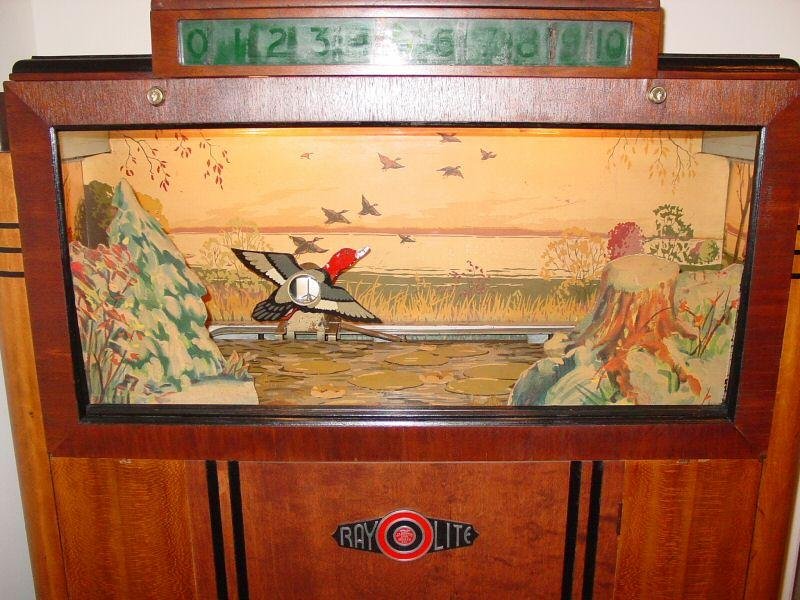
The closer we get to the present, the more familiar the principles and forms become. Look at the first game in history, Seeburg Ray-O-Lite, developed in 1936 for a light gun.
The first games were created by scientists for the first computers and other scientific equipment. The control elements of these mighty machines were completely unsuitable for entertainment, but it seems that limitations only encouraged creators.
Tennis for Two was developed in 1958 for... an oscilloscope. Just to entertain bored visitors at Brookhaven National Laboratory. Controlling what happened on the screen required only two elements: a button for hitting the ball and a rotating dial (encoder) for setting the angle. Tennis on an oscilloscope.
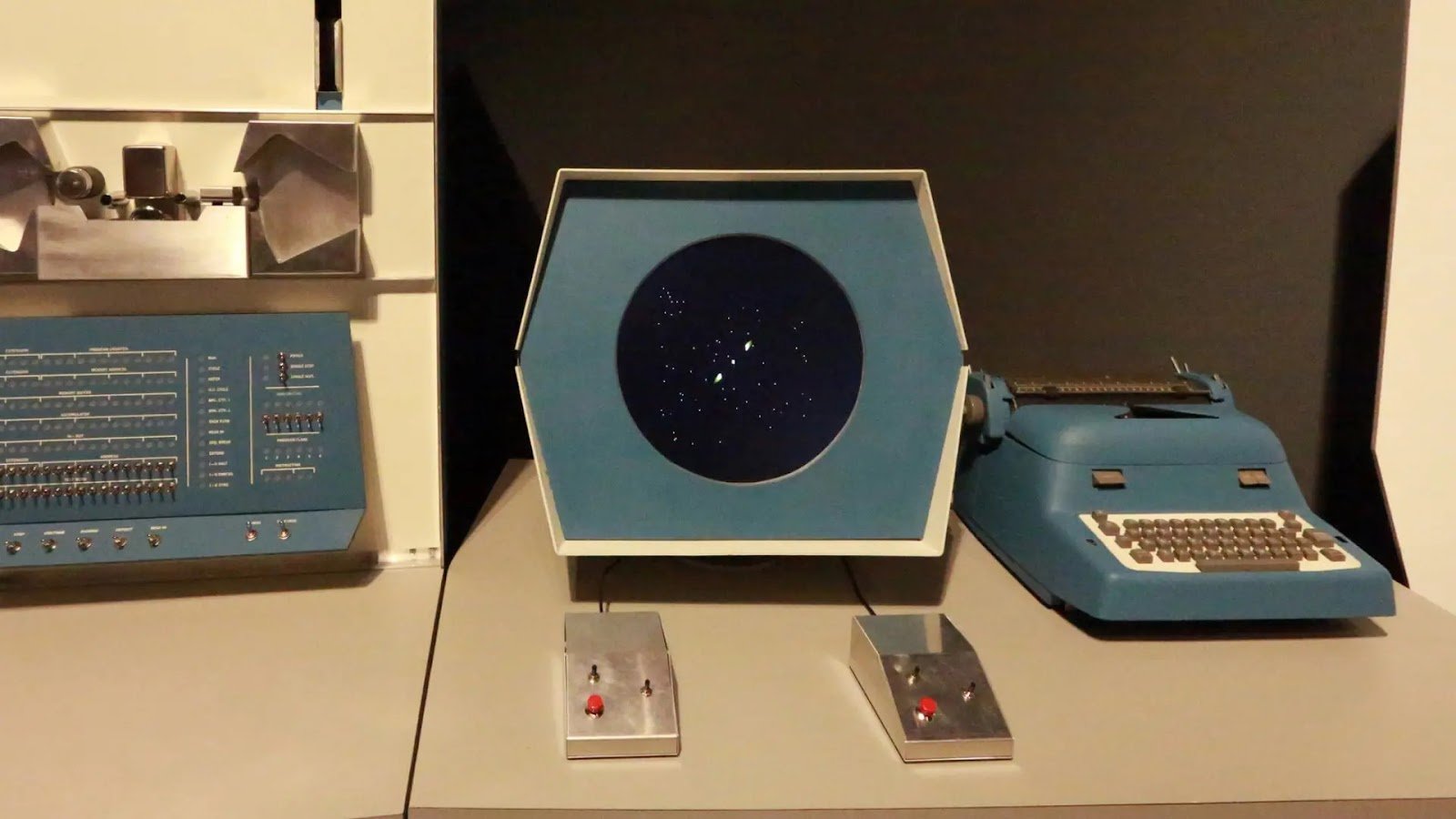
In the early 1960s, Spacewar! used standard toggle switches of the computer PDP-1, but it didn't last long. A special device was created to solve the problem of rapid wear, which became the prototype of gamepads. The authors even made the torpedo launch buttons silent.
The commercial potential of games quickly led to the creation of arcade machines, free from the limitations of laboratory equipment. Each machine was designed for a specific game, so it could not only take into account its mechanics but also create an additional atmosphere through external decoration.
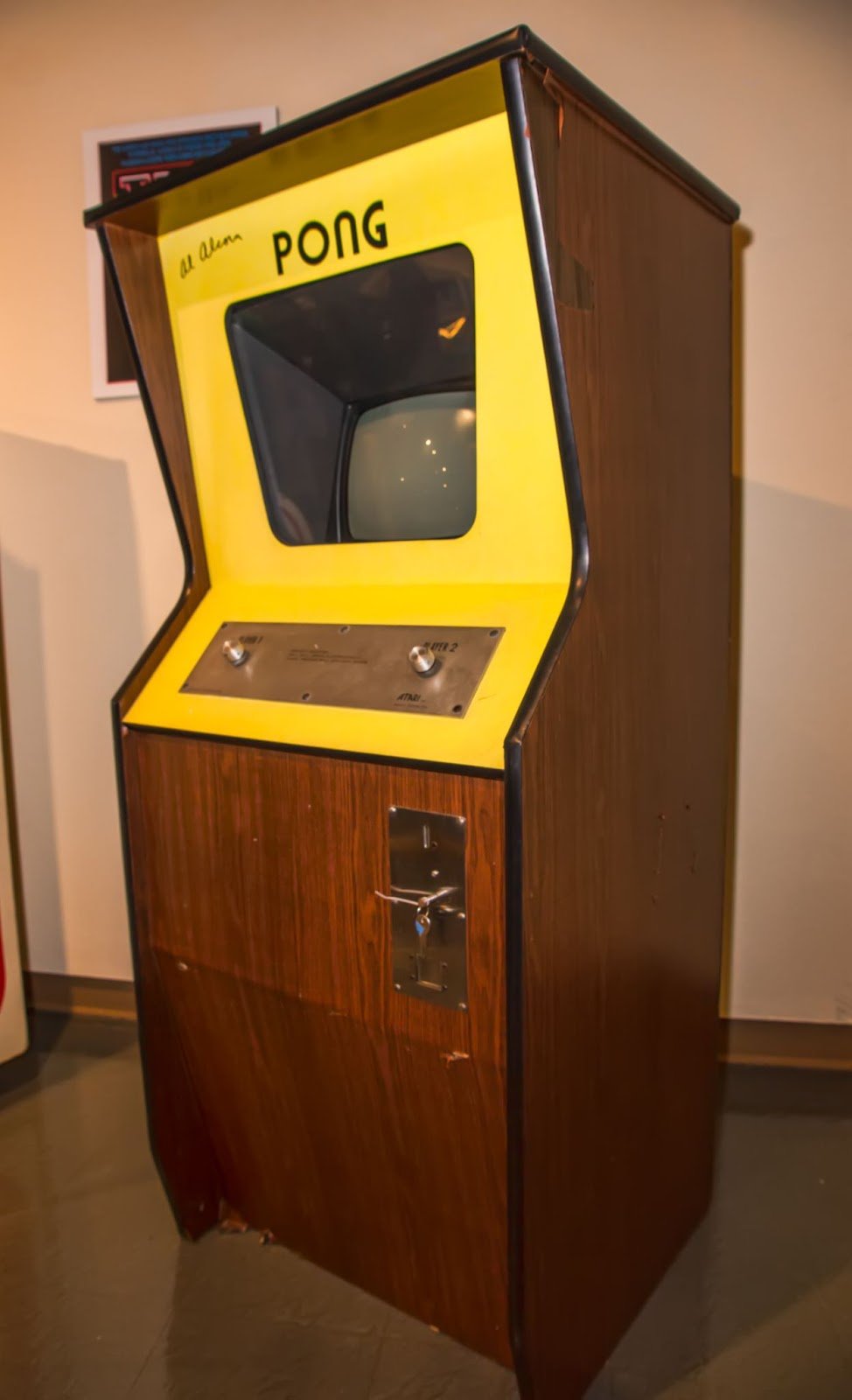
In 1972, Pong appeared – the first historical video game that achieved commercial success. As a controller, it used a paddle with rotating handles (Paddle).
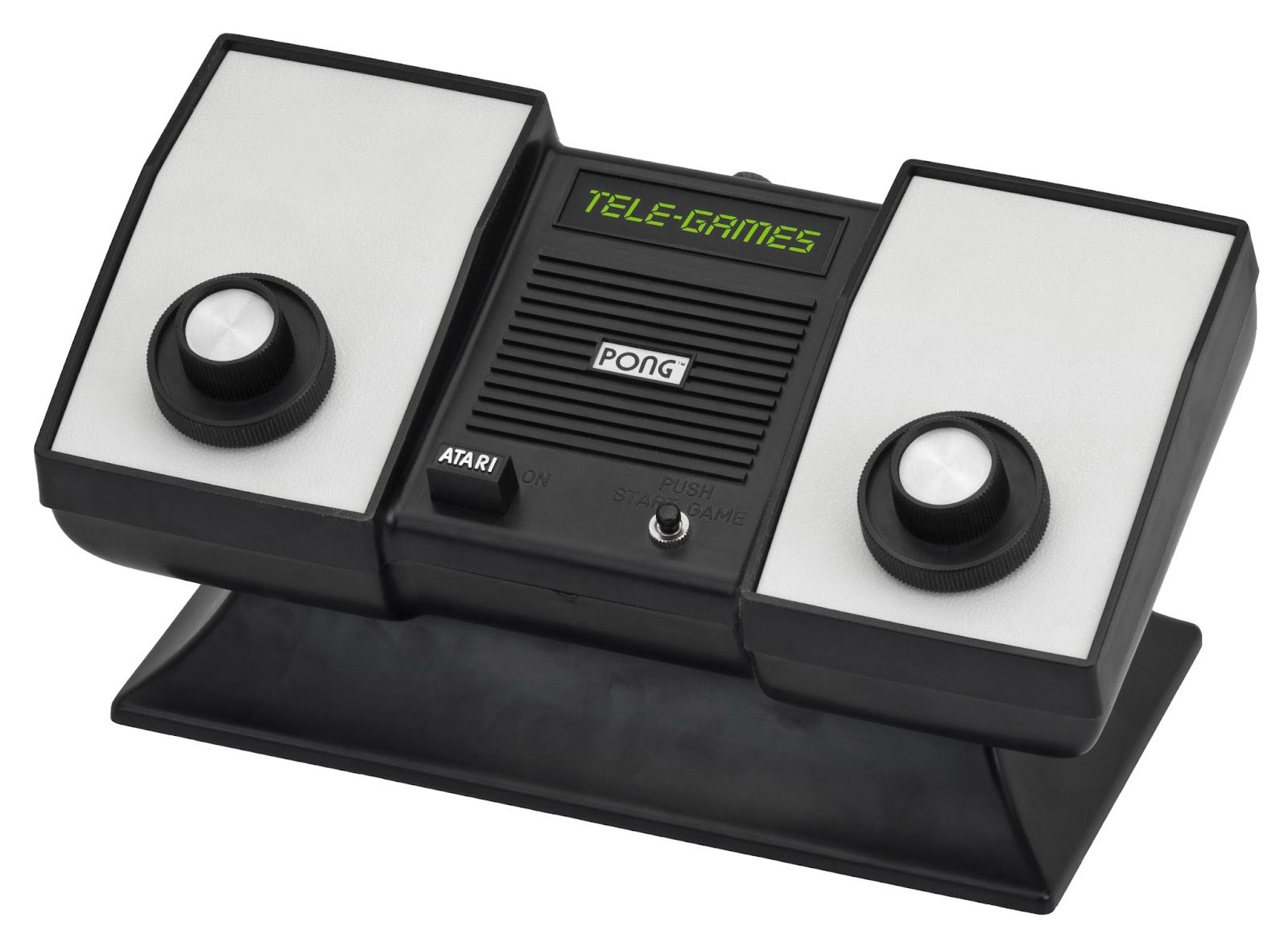
People grew accustomed to games and loved them. Naturally, consumers wanted to bring their favorite entertainment into the comfort of their living room, but not everyone could install a huge machine at home. However, progress cannot be stopped, and over time, the market was ripe for console development. In 1975, Pong moved from arcades to living rooms with its domestic version.
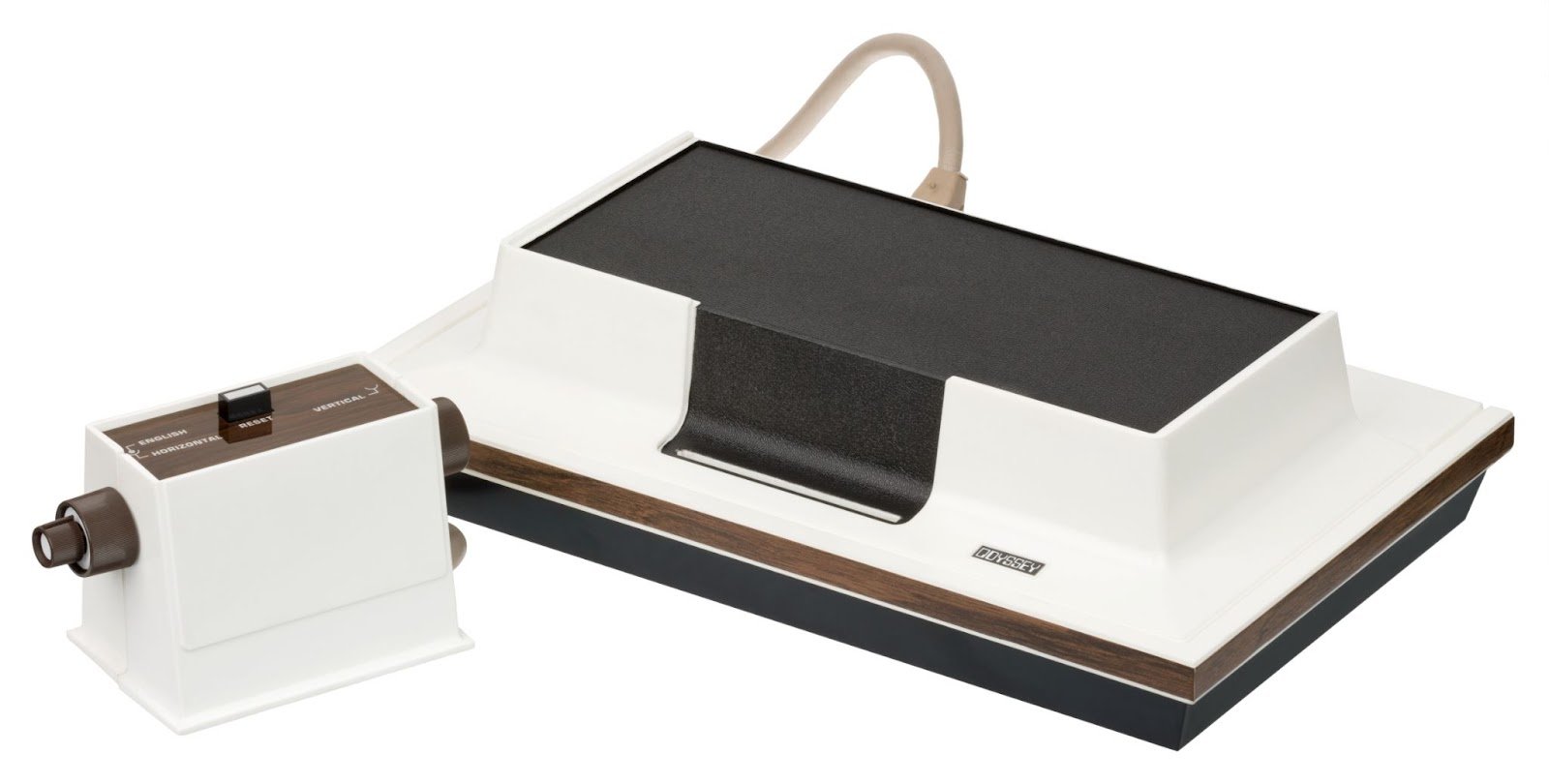
However, many thought that buying a special device for just one game was too extravagant, but in the same year 1972, Magnavox Odyssey appeared - the first console with transistors, with games sold on separate cards. This was achieved by placing colored overlays on the television screen, but the main thing is that the idea proved to be practical.
The Odyssey controller, however, turned out to be quite unusual. There were already three rotating dials here. And one of them came out from the other. With this abundance of paddles, something had to be done.
The second generation of consoles was equipped with an organ that, along with a button, remained in controllers until our time, although it suffered a clinical death in the 1980s. The most popular console was the Atari 2600 released in 1977 with its own controller in the form of a joystick and a button.
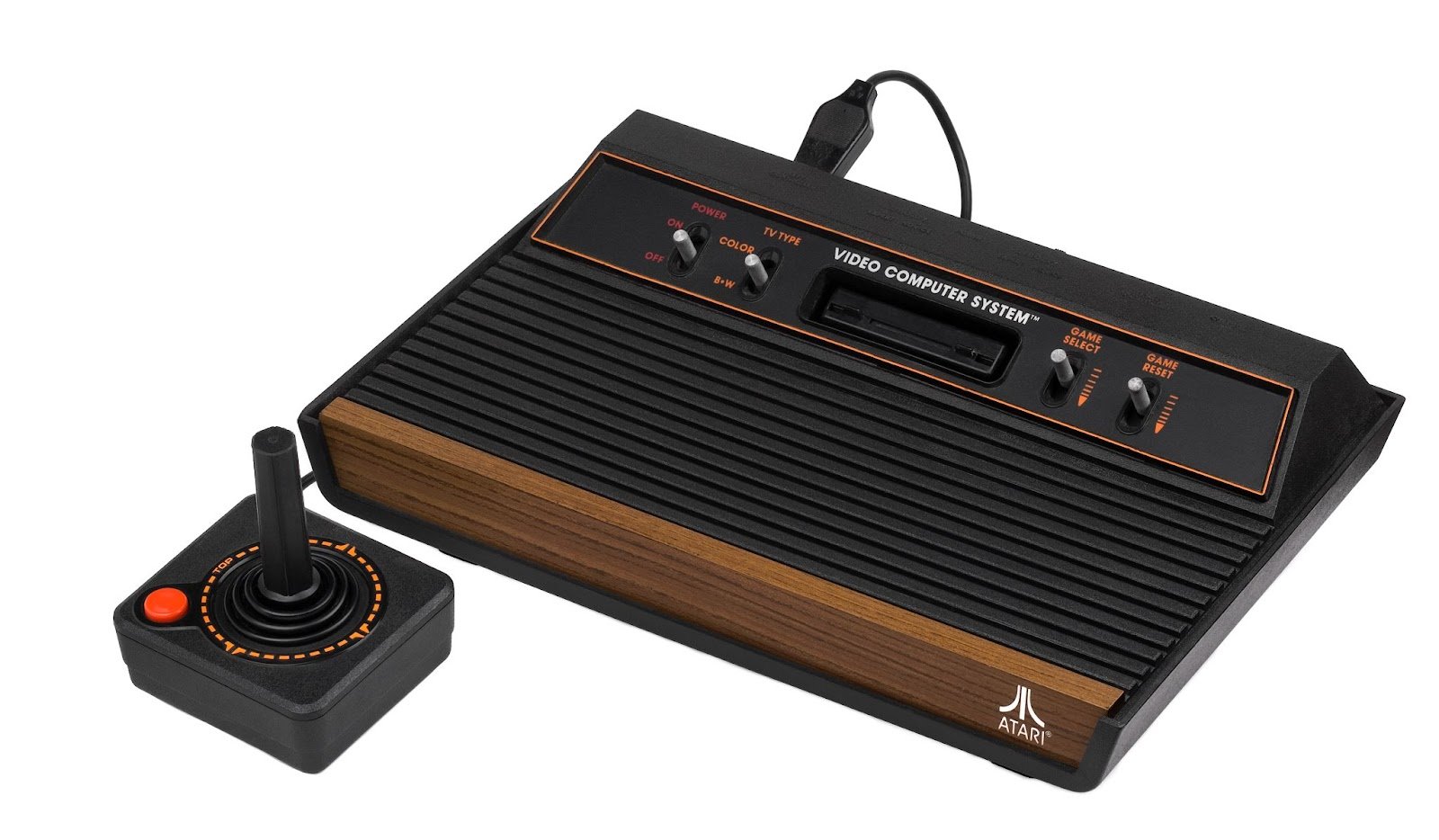
Unlike the encoder, the joystick allowed indicating the direction of movement not on one axis but on two. This significantly expanded the range of available game mechanics. Considering that the screen is a plane and games were two-dimensional, it's logical that control objects on a plane should also consider two dimensions. The button as an organ with a binary state in the same form exists everywhere now.
But games became more complex, requiring more than one button. At some point, a successful solution seemed to be adding a digital panel to the controller, like calculators and push-button phones. But even with overlays carefully describing each action, users got confused and suffered.
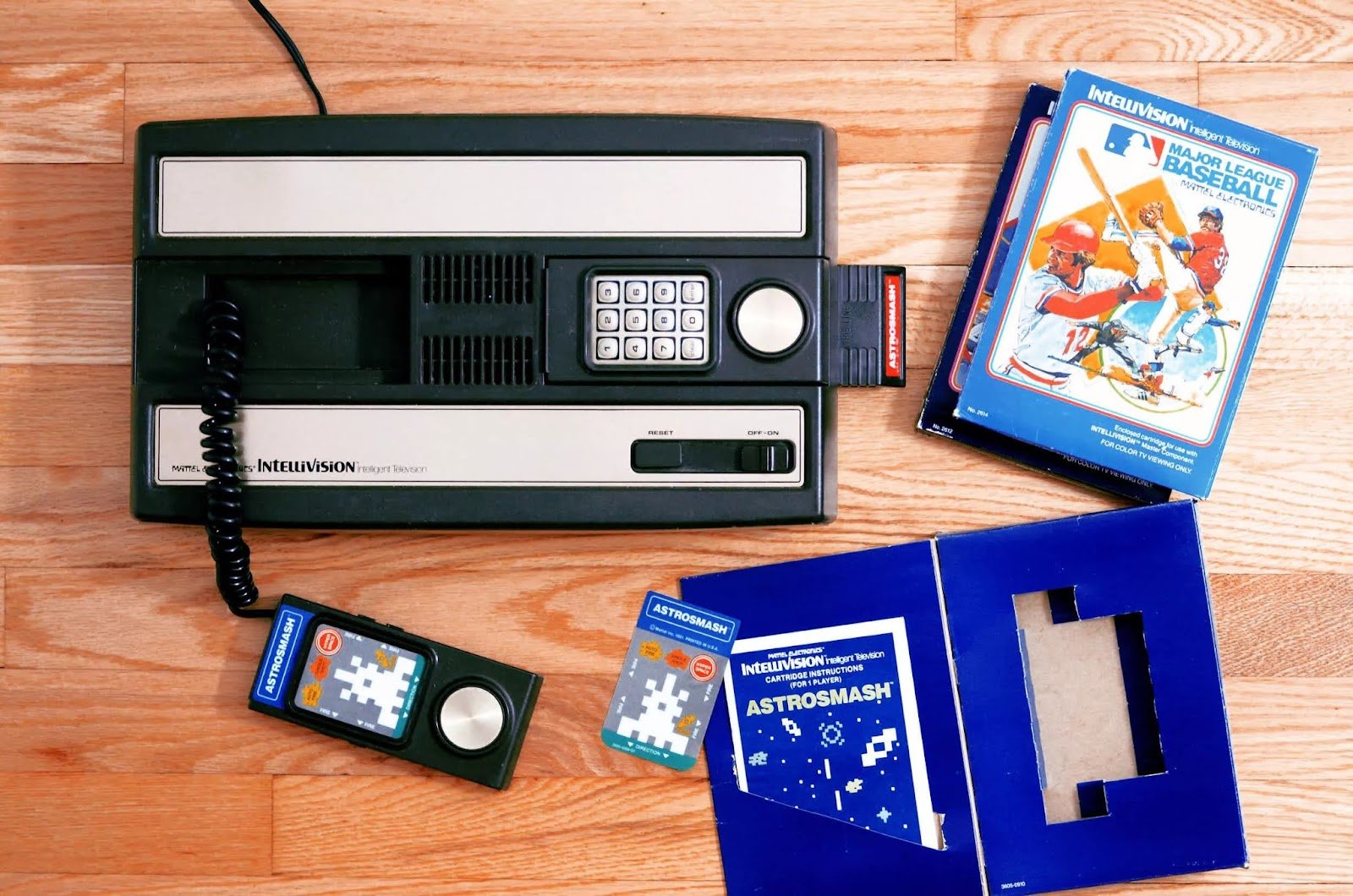
Experiments continued. The control buttons moved across devices changing their size and shape. Custom controllers of various quality and peripheral devices of varying usefulness multiplied.
The third generation of consoles, which revived the market with the appearance of Nintendo Famicom in 1983, abandoned the stick, replacing it with a cross. Was there an economic reason or simply a reinterpretation of the approach to control, it's hard to say. However, Famicom made a revolution in home electronic entertainment.
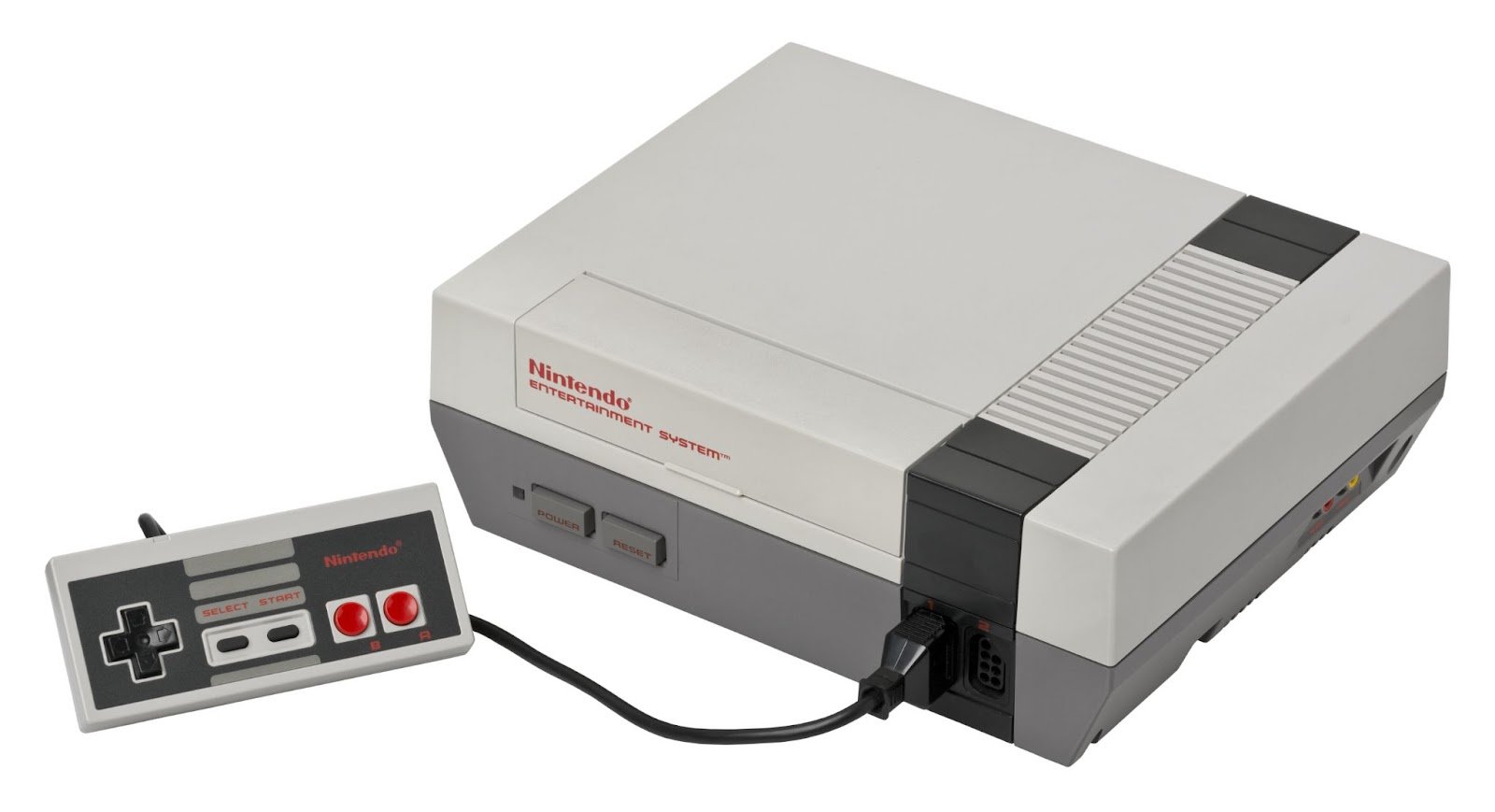
Some 8-bit games required frequent button presses, which led to rapid wear. So, by 1988, modified controllers with Turbo buttons appeared that automatically repeated the main button press. In some sense, this is a hardware cheat, but it's entirely due to player needs.
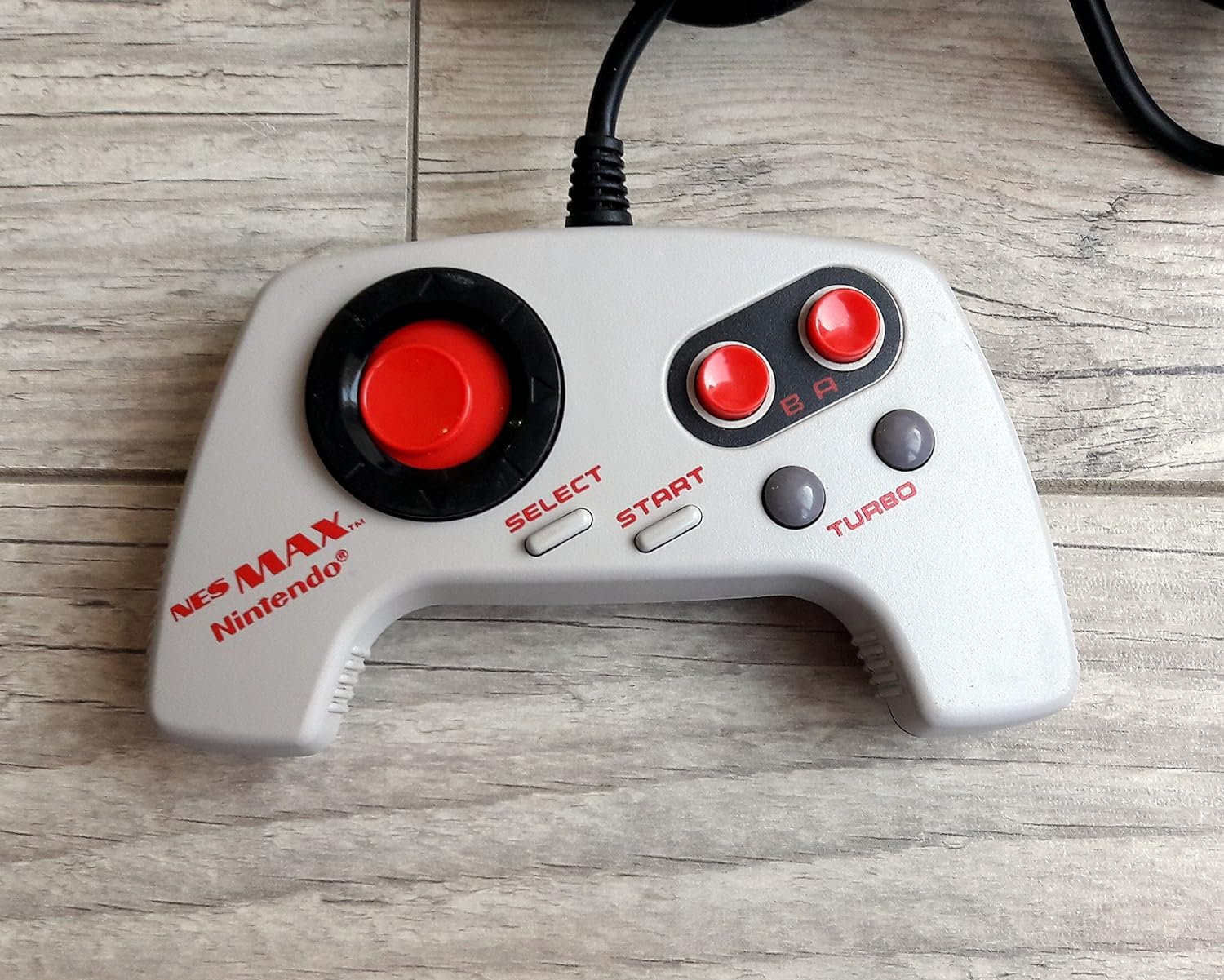
Gamepads with buttons remained even in the fourth generation of consoles. The Sega Mega Drive (1988) and Super Nintendo Entertainment System (1990) controllers added more buttons, but no new control elements were introduced.
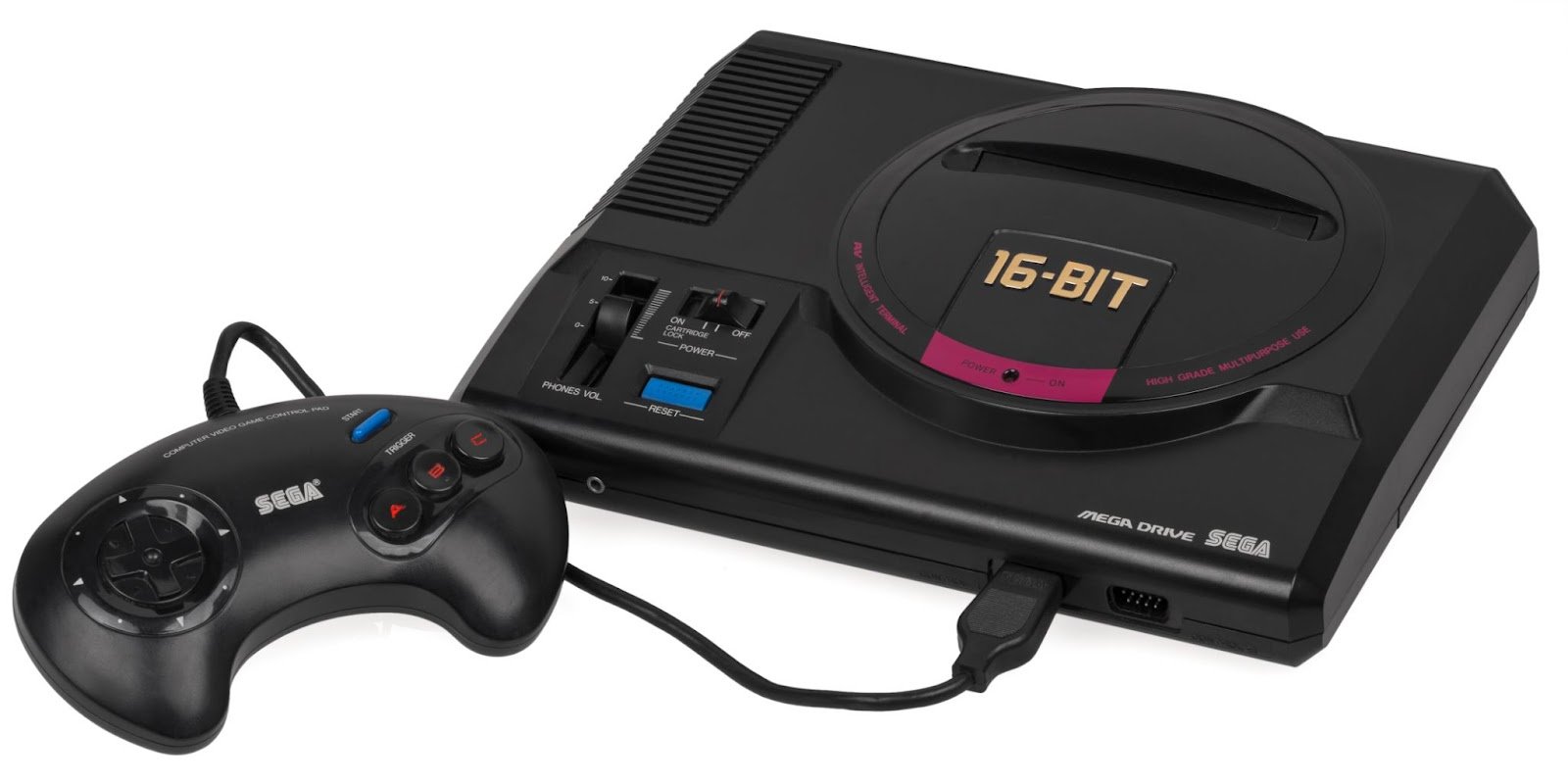
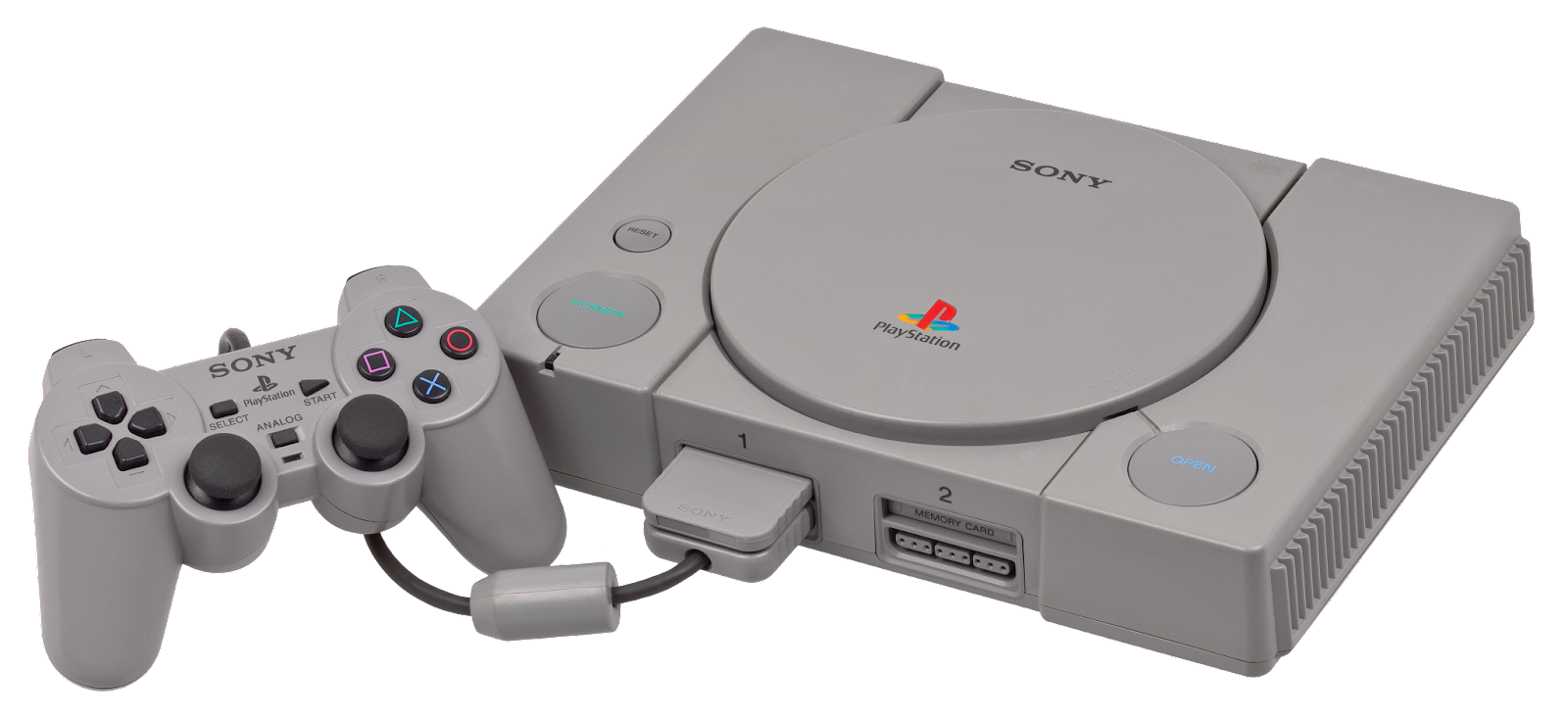
Only the fifth generation of consoles formed the image of modern gamepads with their set of buttons and sticks. Yes, the stick returned – but with revolutionary internal changes.
Various analog stick implementations appeared earlier, but the Dual Analog controller (later continued as DualShock) released in 1997 for the first PlayStation finally made them an industrial standard for gamepads. The main thing that players got was the ability to indicate direction on two axes with consideration of displacement from the center.
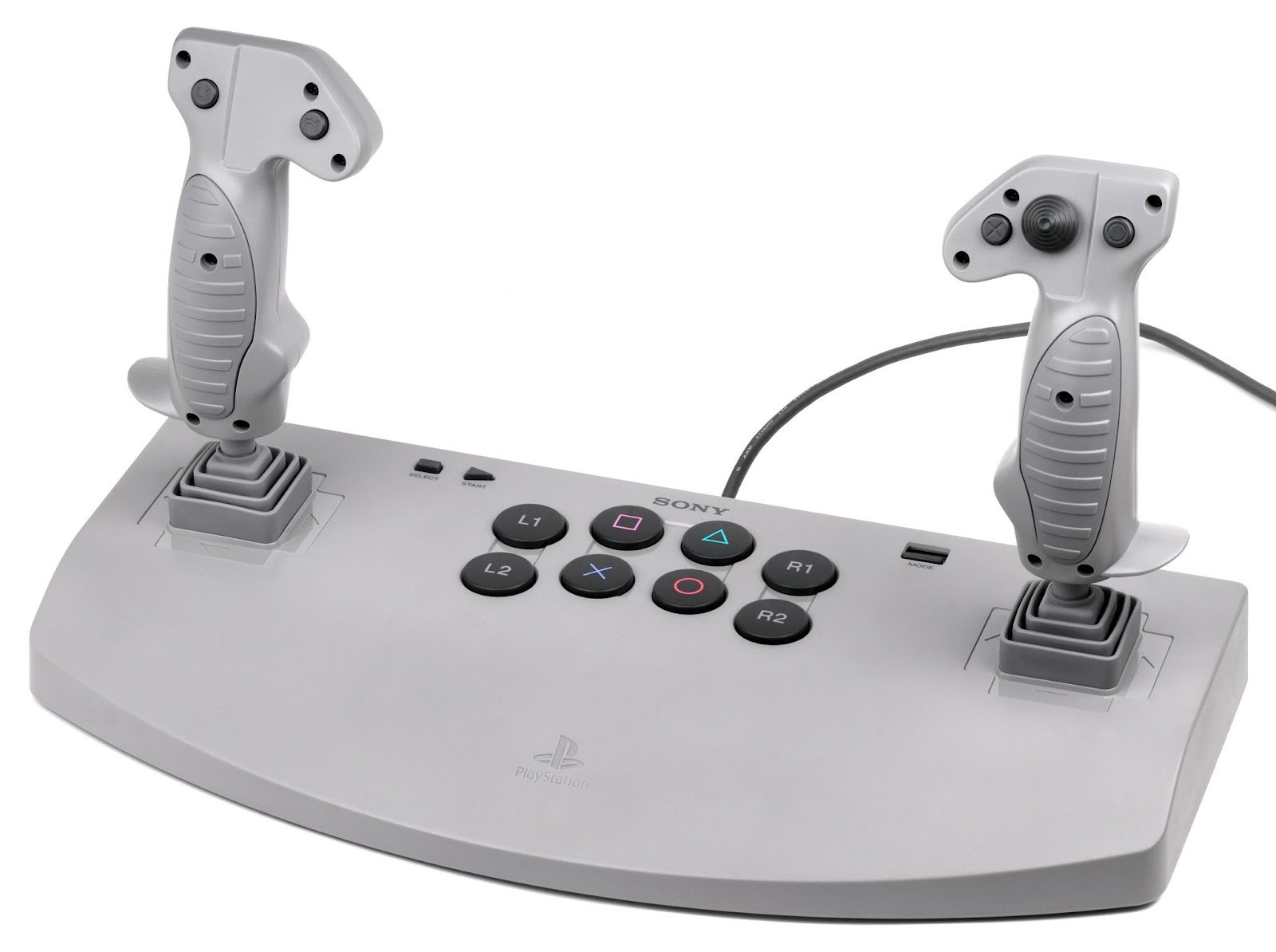
Although, in fact, Sony's first official analog controller appeared even earlier - in 1996. But today few remember the PlayStation Analog Joystick. The device turned out to be bulky, expensive, and generally niche.
In the market of PCs, a different atmosphere reigned. Since the engineer Douglas Ross first connected a typewriter to the mainframe in 1956, computers have always relied on keyboard buttons. With the appearance of window interfaces, a new device appeared that was fundamentally new.
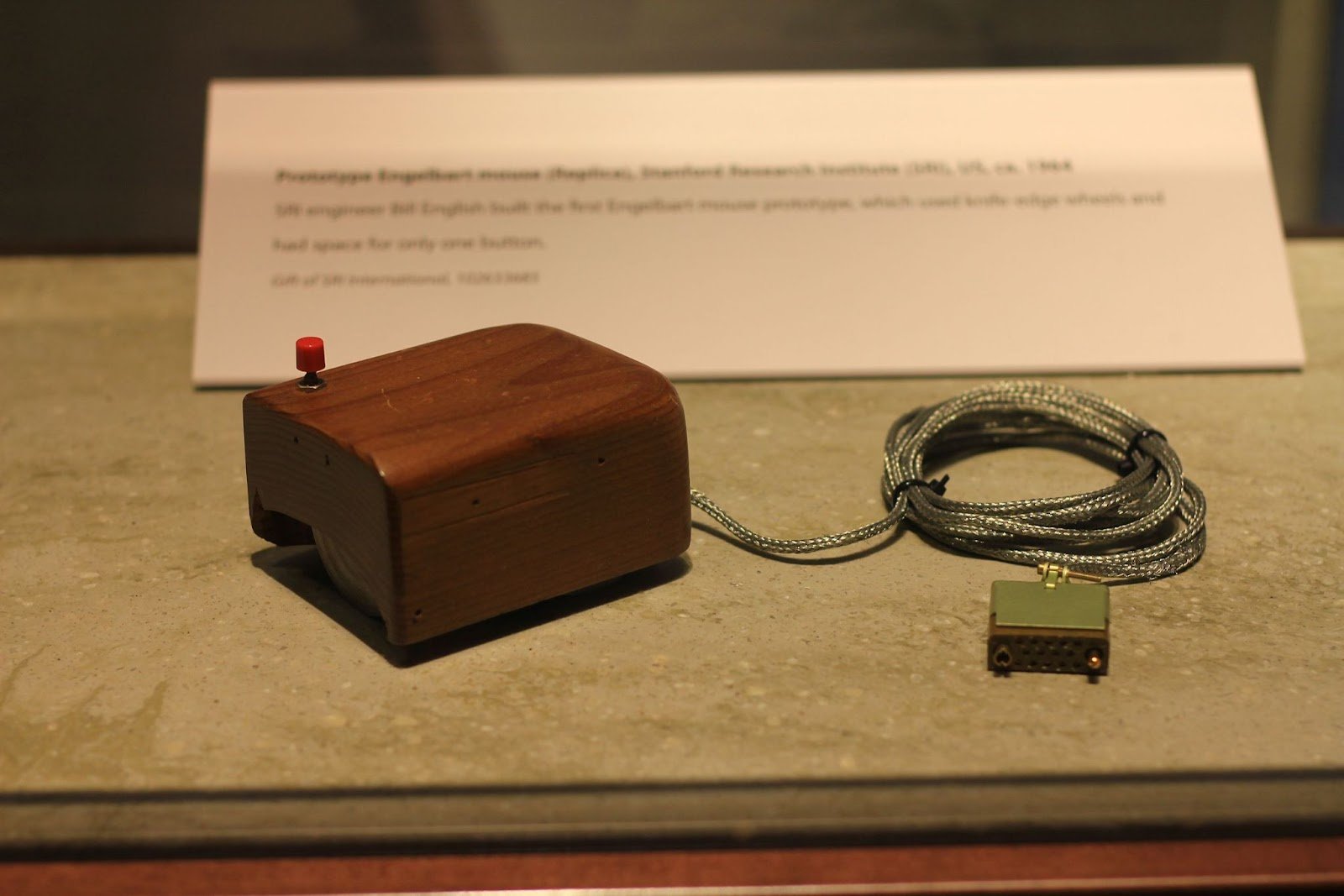
On December 19, 1968, Douglas Engelbart from Stanford Research Institute presented his vision of how a user of the future would work with a computer. He demonstrated a heavy wooden box with one red button, two small wheels for moving around the table, and a long cord for connecting to a PC. This was the first computer mouse in history.
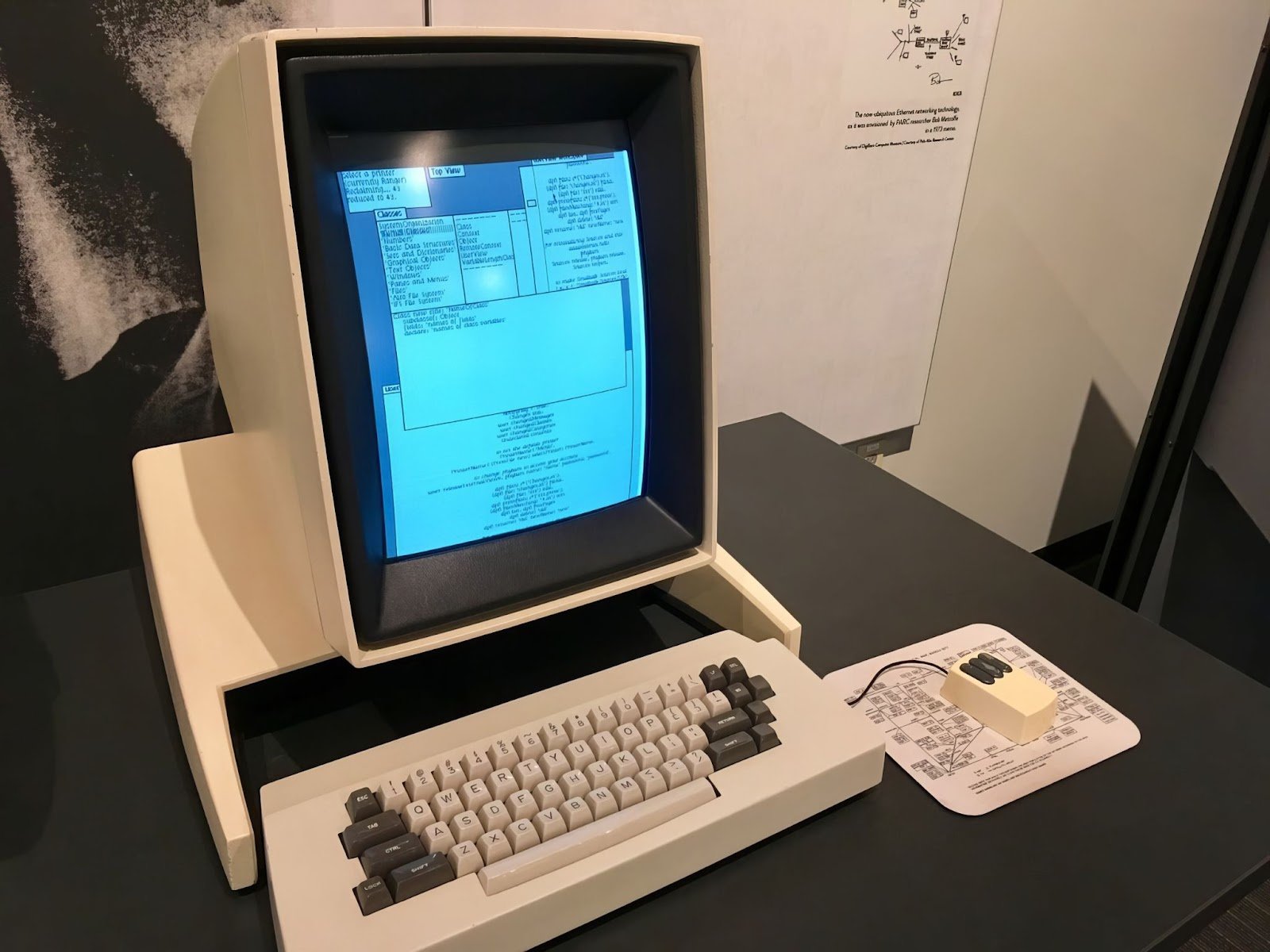
More than 10 years passed, and by 1981, Xerox released the personal mini-computer Xerox Alto, which came with a plastic mouse with three buttons. With the appearance of Macintosh 128K in 1984, the mouse became a standard controller for personal computers.
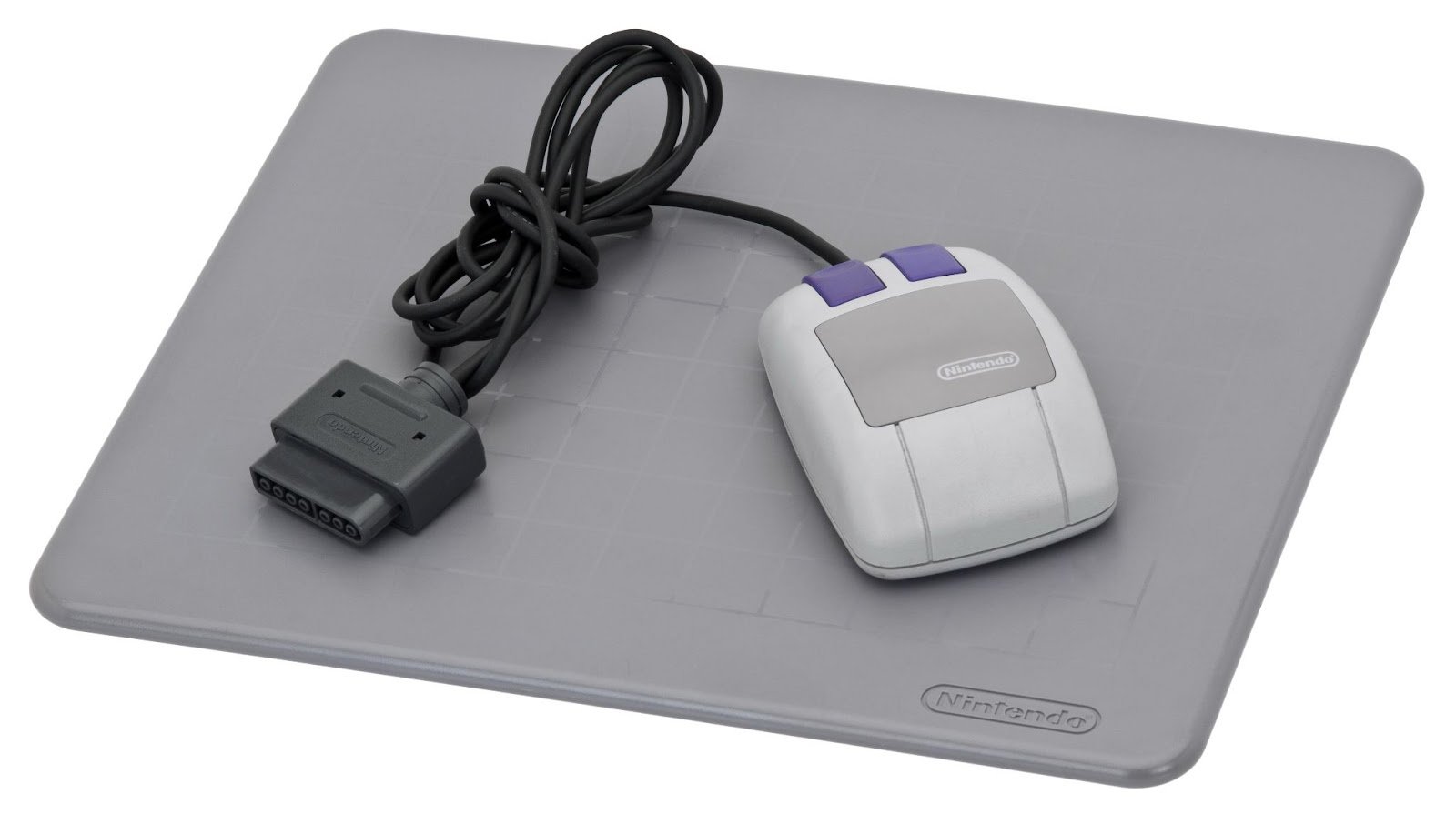
So two worlds - consoles and personal computers - developed parallel to each other, only occasionally intersecting. For PCs, special game controllers appeared, while for consoles, mice were optional devices. For example, SNES had a mouse planned only for one game - Mario Paint in 1992. But over time, there were also other projects that supported this manipulator.
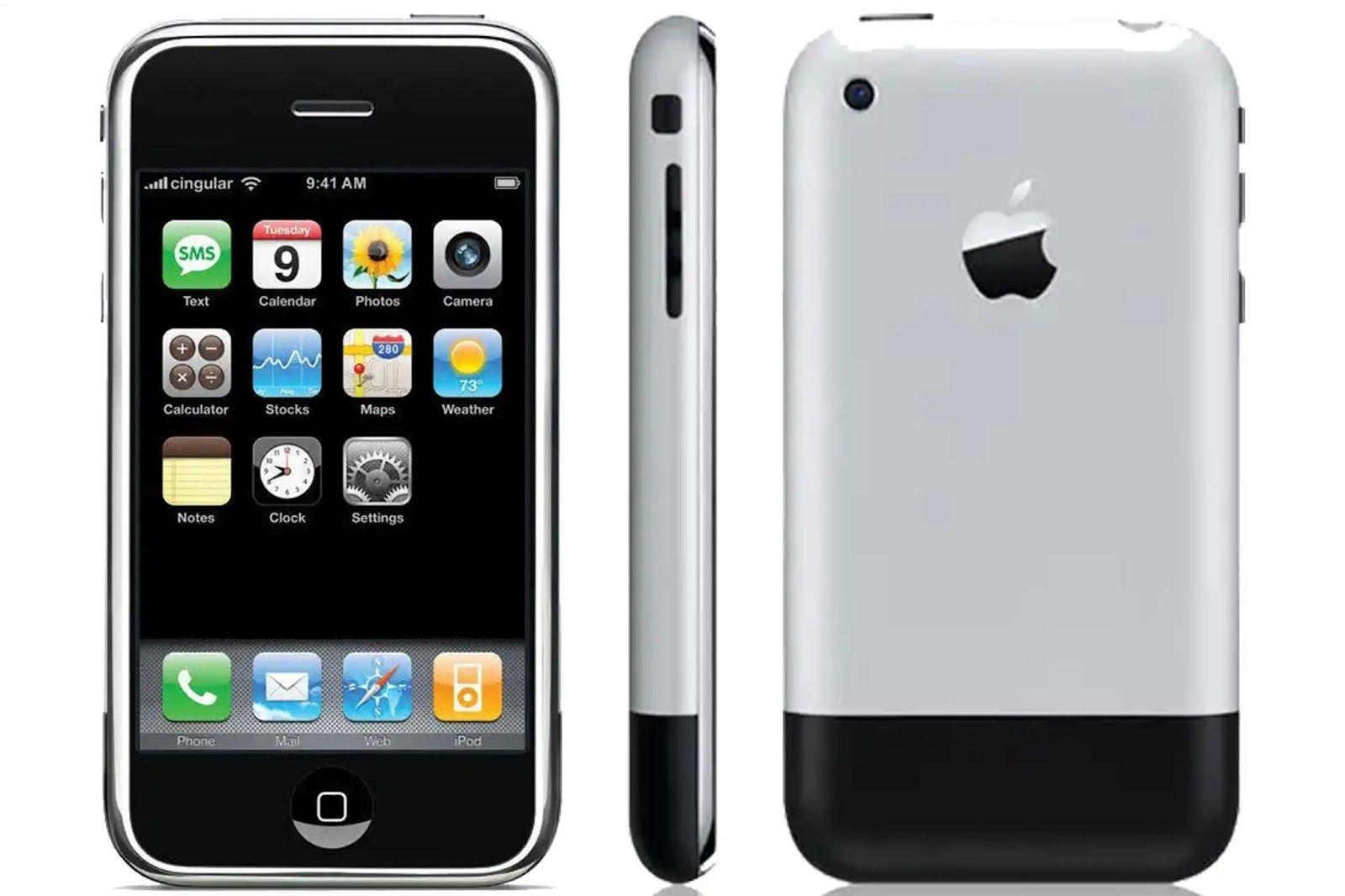
Another category of devices existed long ago but took on a modern form only with the appearance of the first iPhone in 2007. Mobile gadgets used various control elements, including mini-keyboards and sticks for moving between interface elements.
However, given that it's hard to fit many elements into this device, it was logical to get rid of the mouse and tap directly on the screen. Touch screens existed in one form or another long ago. But they became truly popular only with the mobile revolution.
When talking about touch screens, you can't help but mention their relatives - graphical tablets that return a similar set of data. These are not game devices at all, but they can replace the mouse. Meanwhile, tablets indicate not the cursor's displacement, but its specific location, plus returning the stylus's angle and pressure force. The latter was tried to be transferred to touch screens, but it didn't last long as a technology. Like many other unusual ways of input.
History remembers many strange controllers. We will mention those that somehow influenced the development of the industry or received reformation and reinterpretation with technological progress.
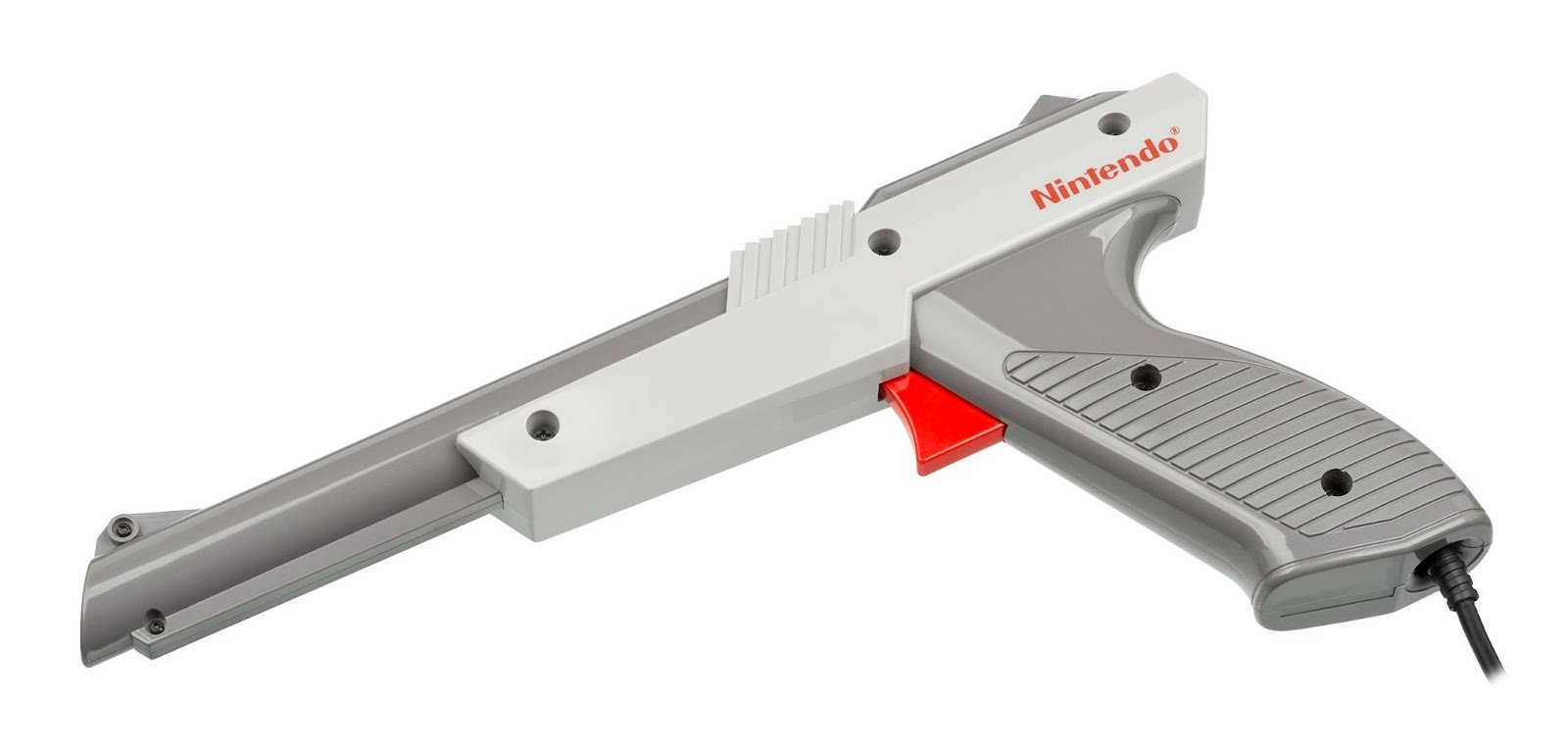
In 1984, for Famicom, the Zapper was released - an interesting device in its own right if you think about the mechanics of its interaction with the console. In essence, this futuristic pistol is very similar to a touchscreen, only it returns not coordinates but just the fact of aiming. The player aimed at the TV and "shot" at the target on the screen. Pressing the fire button would darken the display and highlight active objects in white. Zapper read the fact of correct aiming and sent data about hitting or missing. Light Rifle for Magnavox Odyssey worked similarly, but was released earlier, but Zapper became much more popular.
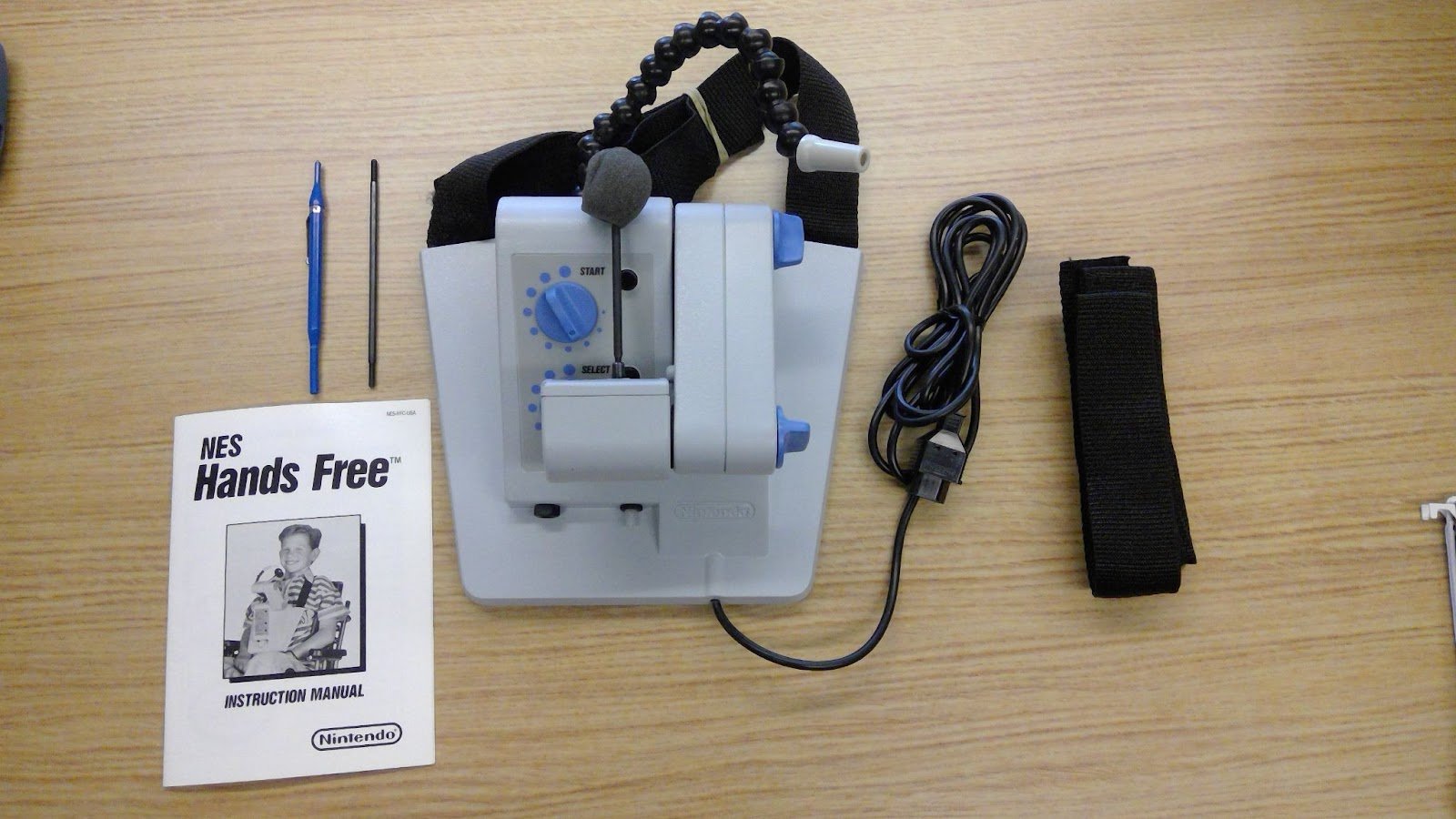
Big N had its share of unusual controllers. Take, for example, NES Hands Free, which allowed interacting with the console using breath and head movements. The specialized device was released in 1989, but did not enter mass production, remaining one of the rarest and most expensive additions to NES. Today it can be found only among video game antiquity collectors.
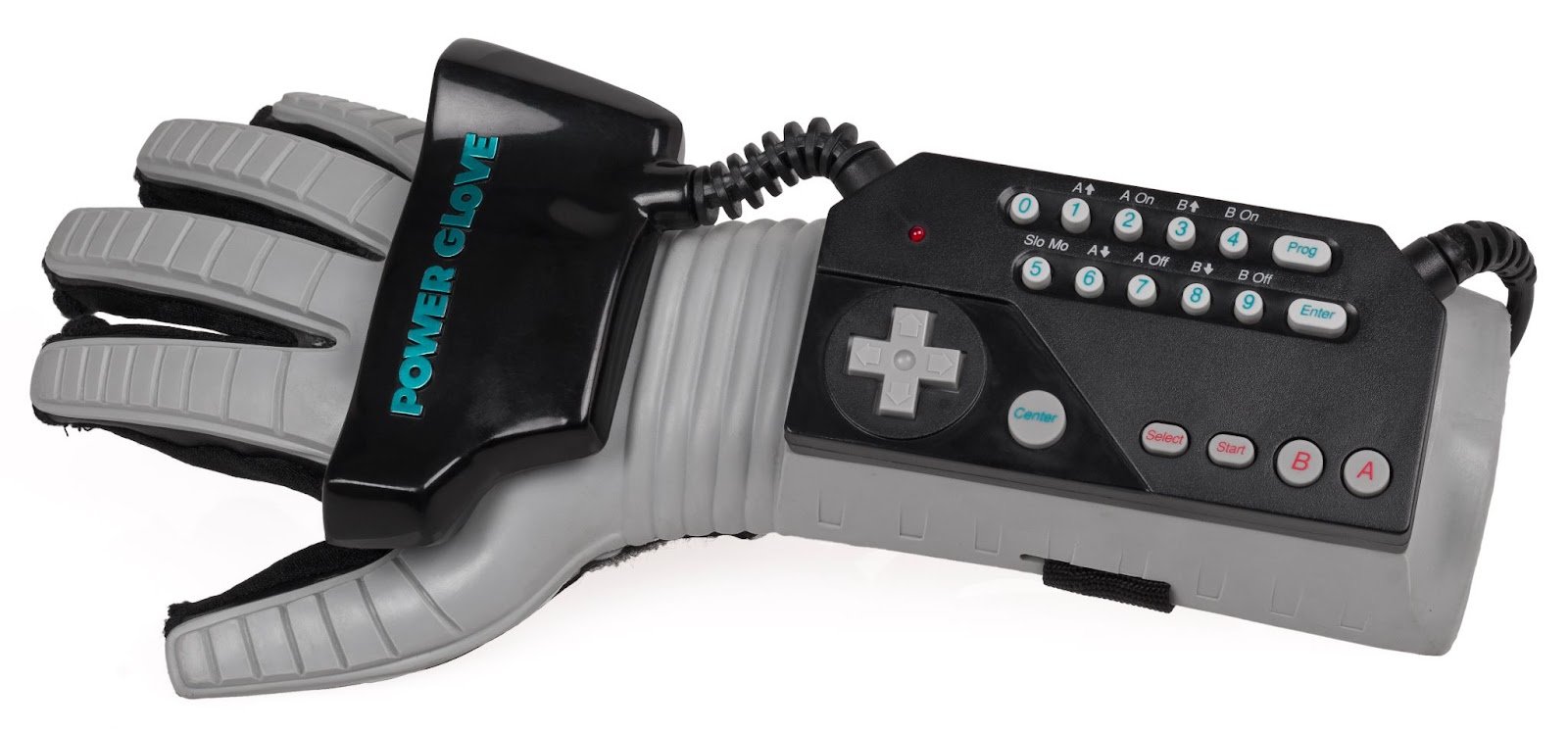
Or Power Glove from the same year 1989 - a high-tech glove combined with a controller and able to track hand movements in real time. The idea is interesting, but the implementation was not up to par: Power Glove did not handle its tasks well and remained mostly a technical curiosity.
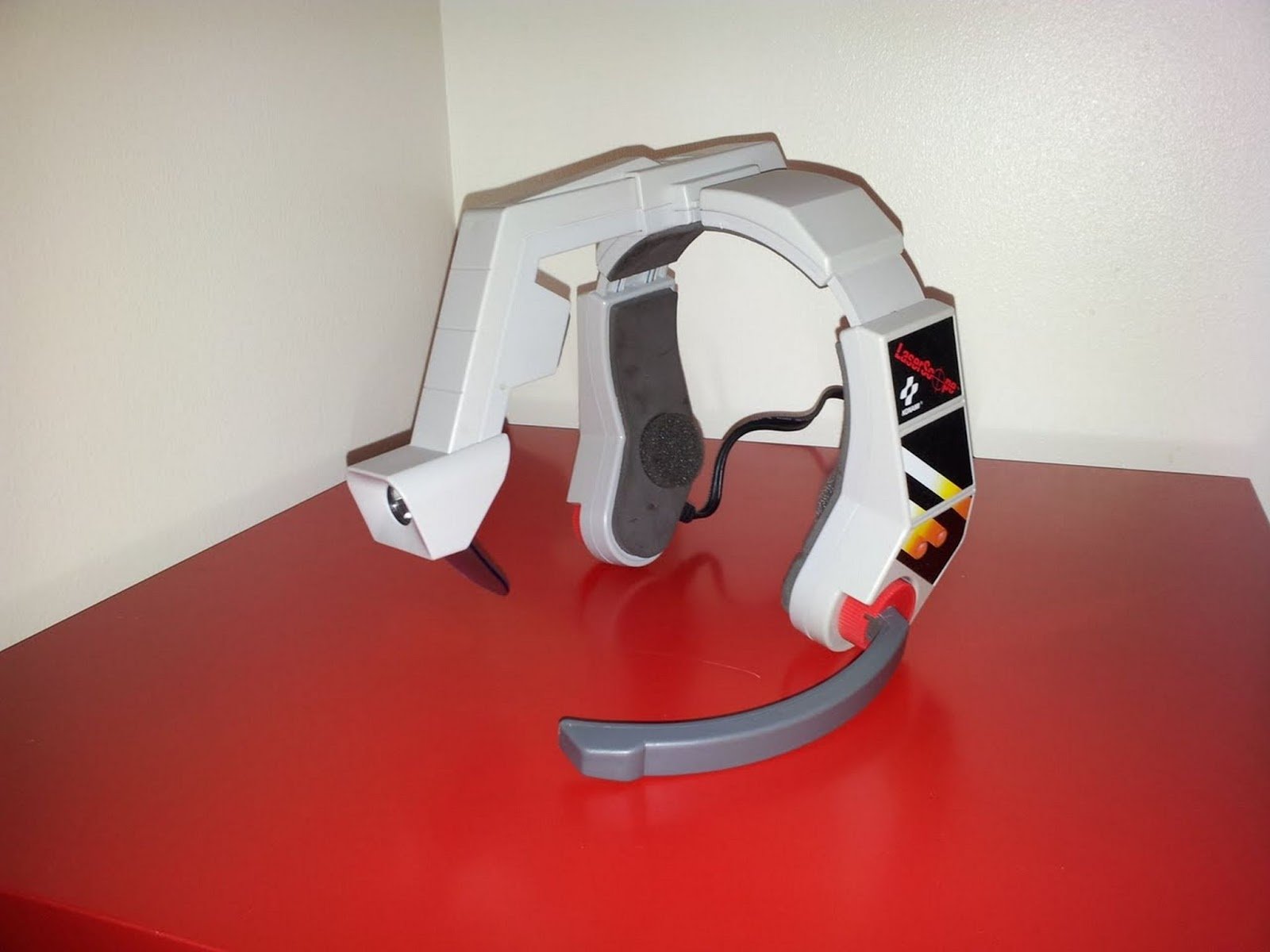
Konami with its LaserScope for NES tried to connect voice as an element of control back in 1990. Unfortunately, the technology of that time and the console's performance were not capable of normal operation of such complex peripherals. And besides, shouting "fire!" into the microphone every time you wanted to shoot proved inconvenient. It was much faster and easier to press the fire button on the controller. This experiment anticipated voice control, which became a norm for consoles of the seventh generation with their PlayStation Eye and Microsoft Kinect.
In 1983, Sega Activator offered players to use their own bodies as controllers. The unfolded octagon on the floor emitted infrared rays, detected by crossing them with arm movements, and returned data about specific sensors. This attempt was interesting, but the technology itself had numerous limitations, gave false positives and did not actually detect movements. In a sense, it was just an overcomplicated button press.
An overview of Activator and other unusual peripherals from Sega by AVGN
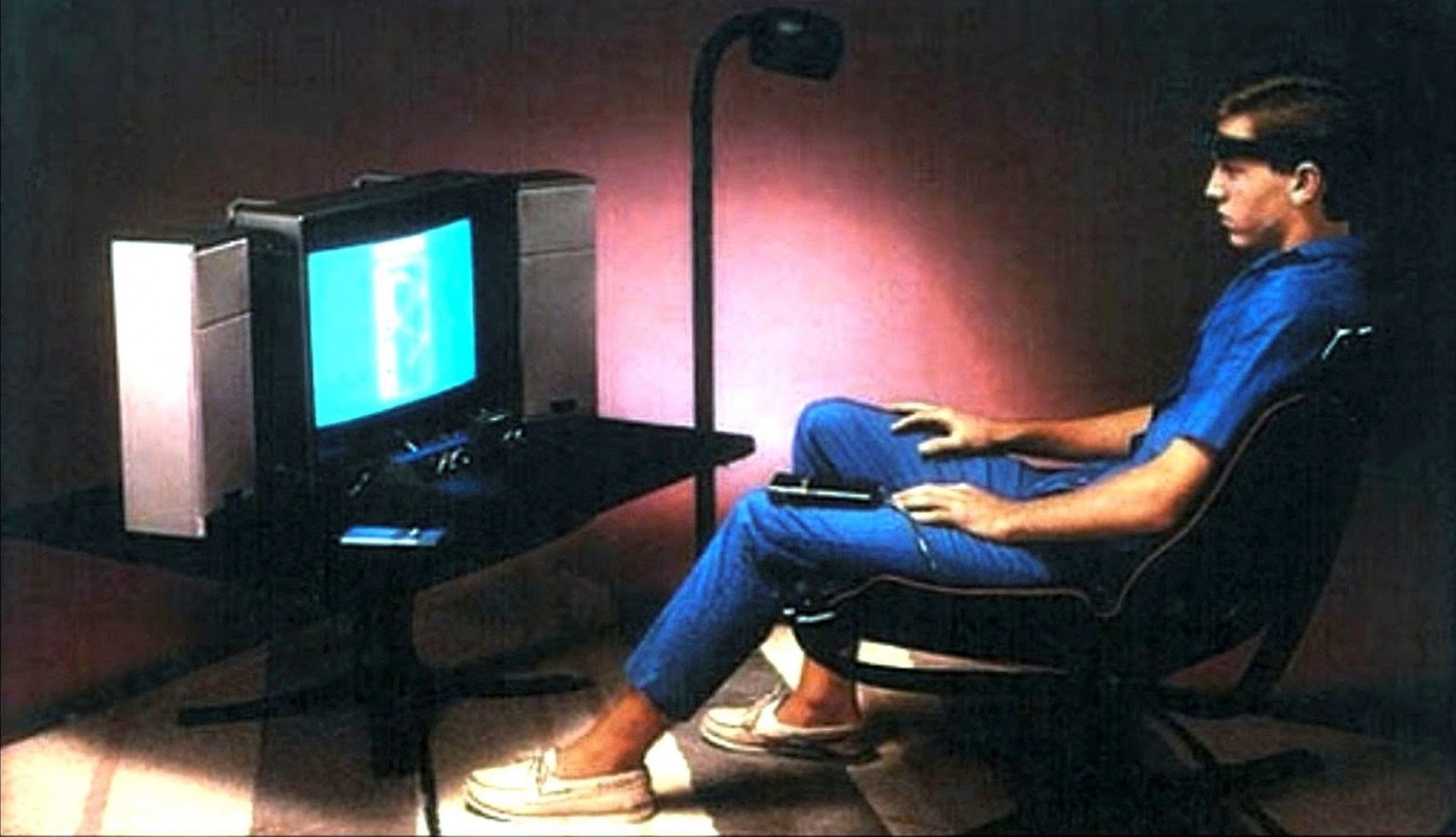
The most unusual experiment is Mindlink for Atari 2600, which was to be released in 1984. They promised that the device would literally read users' thoughts, and they could control what happened on the screen with their minds. In reality, the controller simply registered electrical impulses in the muscles of the forehead, so games were controlled more by brow tension than mind power. This was inconvenient, accuracy was very low, and testers complained about headaches - in the end, the device never went into production. The experience may have been a failure, but it's at least interesting.
There were many interesting experiments in the history of controllers. Even if they didn't catch on, they gave valuable experience and influenced the development of familiar forms of controllers. The evolution of gamepads is a great example of such an evolution. Over just a few decades, the set of input organs and sensors in these basic devices has changed simply phenomenally. Let's take a look at the modern stage of the evolution of game control.
Nintendo is the main experimenter among major players - you can safely call them that. It was this company that time and again went out on a limb, releasing new types and configurations of devices to the masses. These curiosities didn't always turn out commercially successful, but they always influenced the development of the industry.
In 2006, Wii Remote turned user experience upside down. Goodbye to sitting motionless in front of the screen: welcome to the world of active games and dance simulators! Users met the newcomer with enthusiasm. Some even overdid it, which is confirmed by the number of TVs that were broken by controllers flying at them. No wonder the instructions recommended attaching a strap from the device to your wrist.
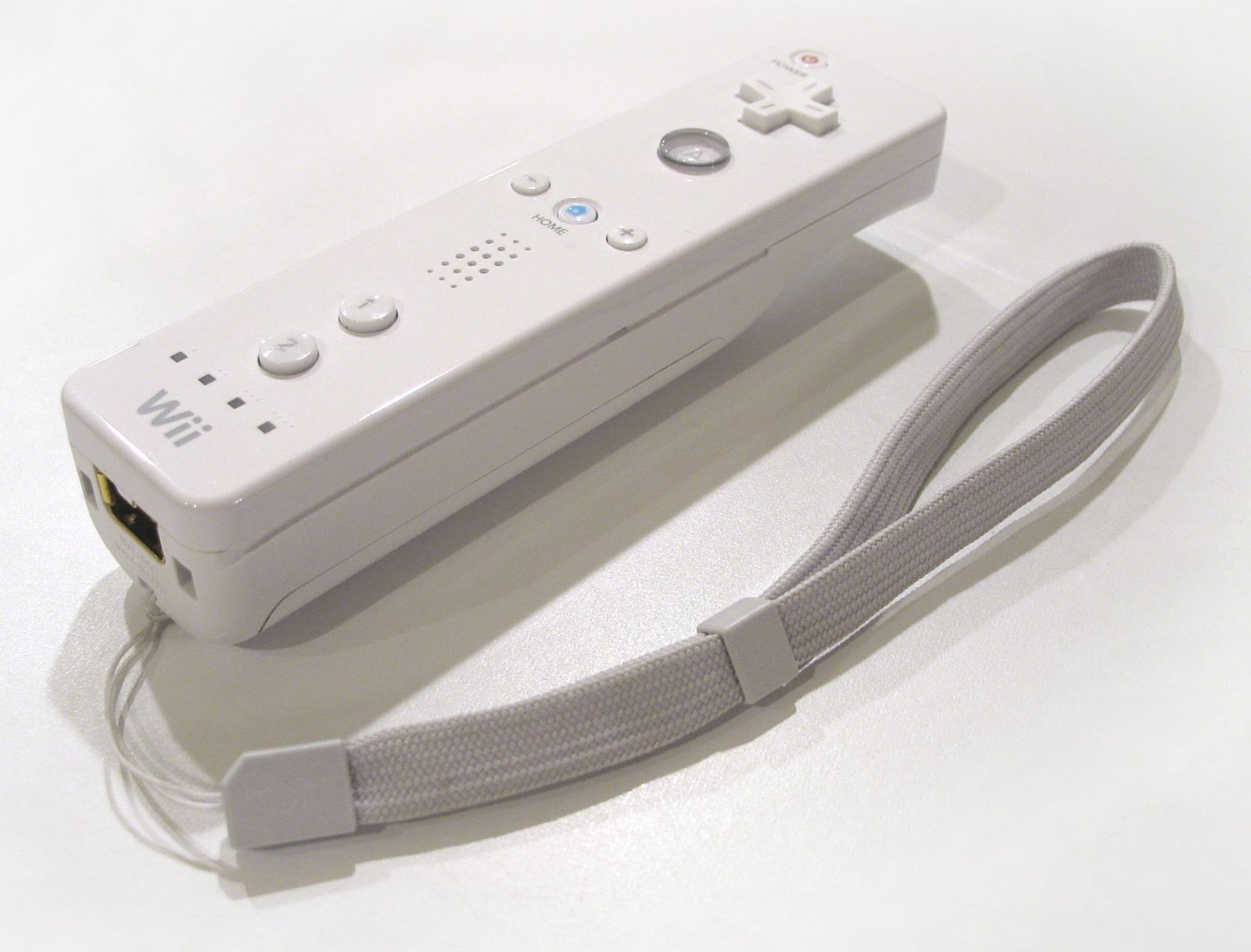
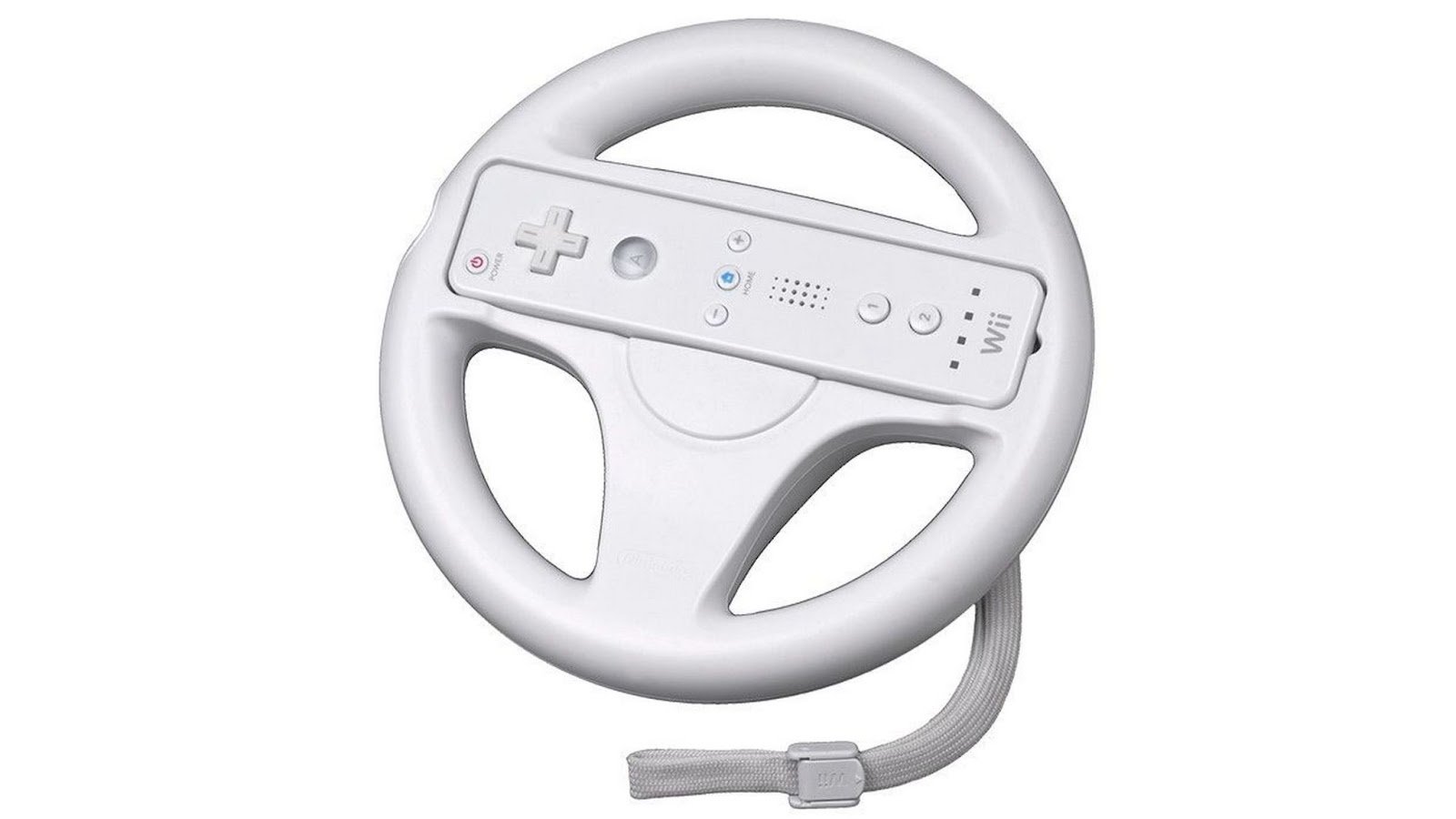
With add-ons for Wii Remote you could masquerade as a steering wheel or automatic control unit. Meanwhile, plastic accessories cost many times less than specialized controllers, and technical data transmission didn't change. And the set was rich! Wii Remote had buttons, sticks, accelerometers, and even an optical sensor that turned it into a pointer for the screen.
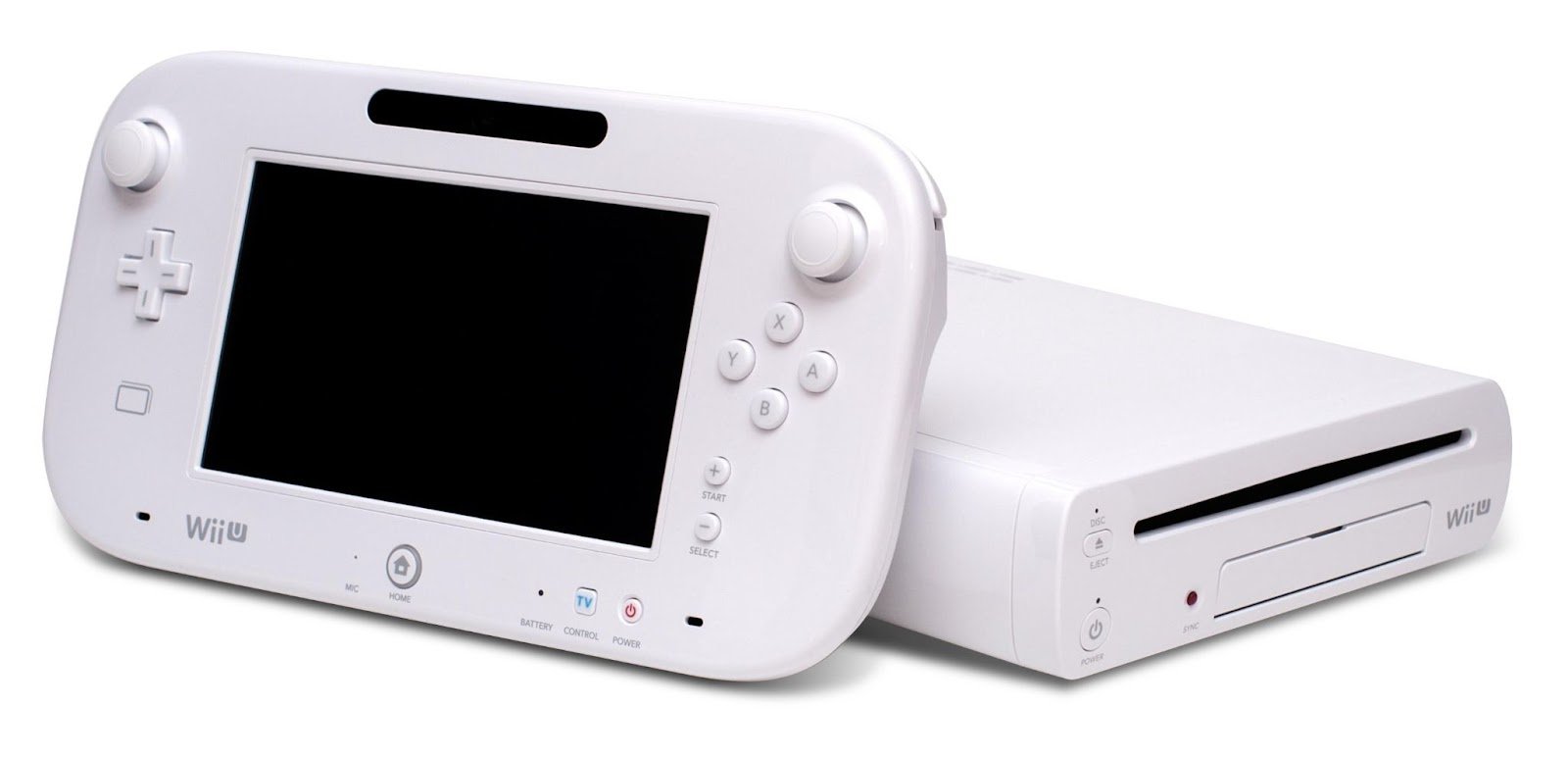
The next logical step was the addition of touch screens. The Nintendo 3DS in 2011 and Wii U the following year both got tachscreens. They significantly expanded possibilities for interacting with graphical interfaces. But if for a secondary screen on a portable 3DS this feature seems logical, then a similar scenario for a stationary Wii U did not interest players much.
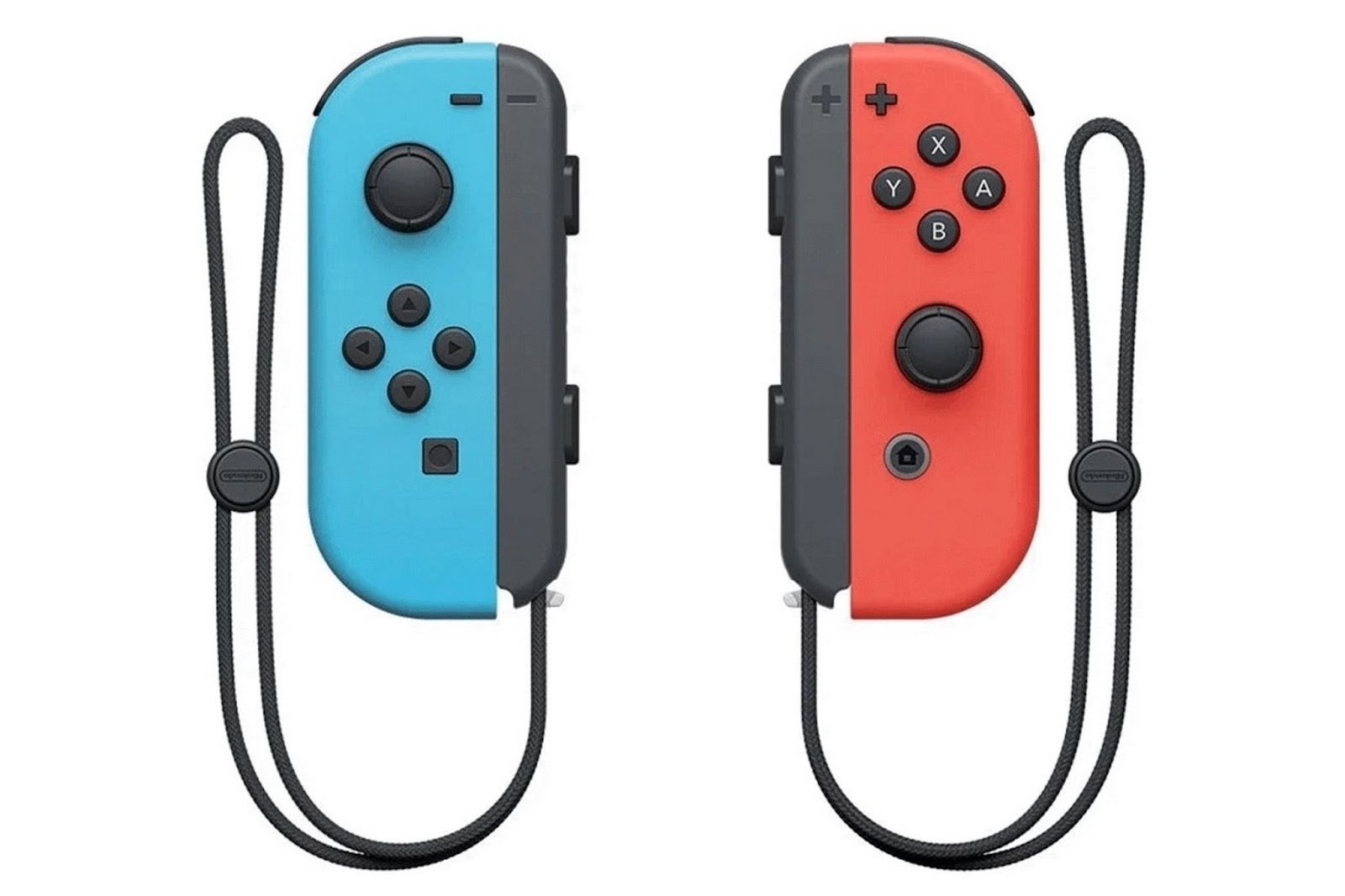
But Nintendo didn't stop trying to reinterpret the process of interaction with a game. The result is the Switch, released in 2017. It not only combined all the successful findings from the past but also added new scenarios for interacting with users.
We got a hybrid mobile and stationary console with a touch screen. The main changes affected the controller: one Wii Remote was replaced by two Joy-Con. In addition to buttons, triggers, and sticks in each of them were an accelerometer, gyroscope, and infrared depth sensor. All this allowed developers to freely experiment with new game mechanics.
Sony preferred cautious evolution, analyzing competitors and carefully introducing additional features as options. And it had many such options in its history.
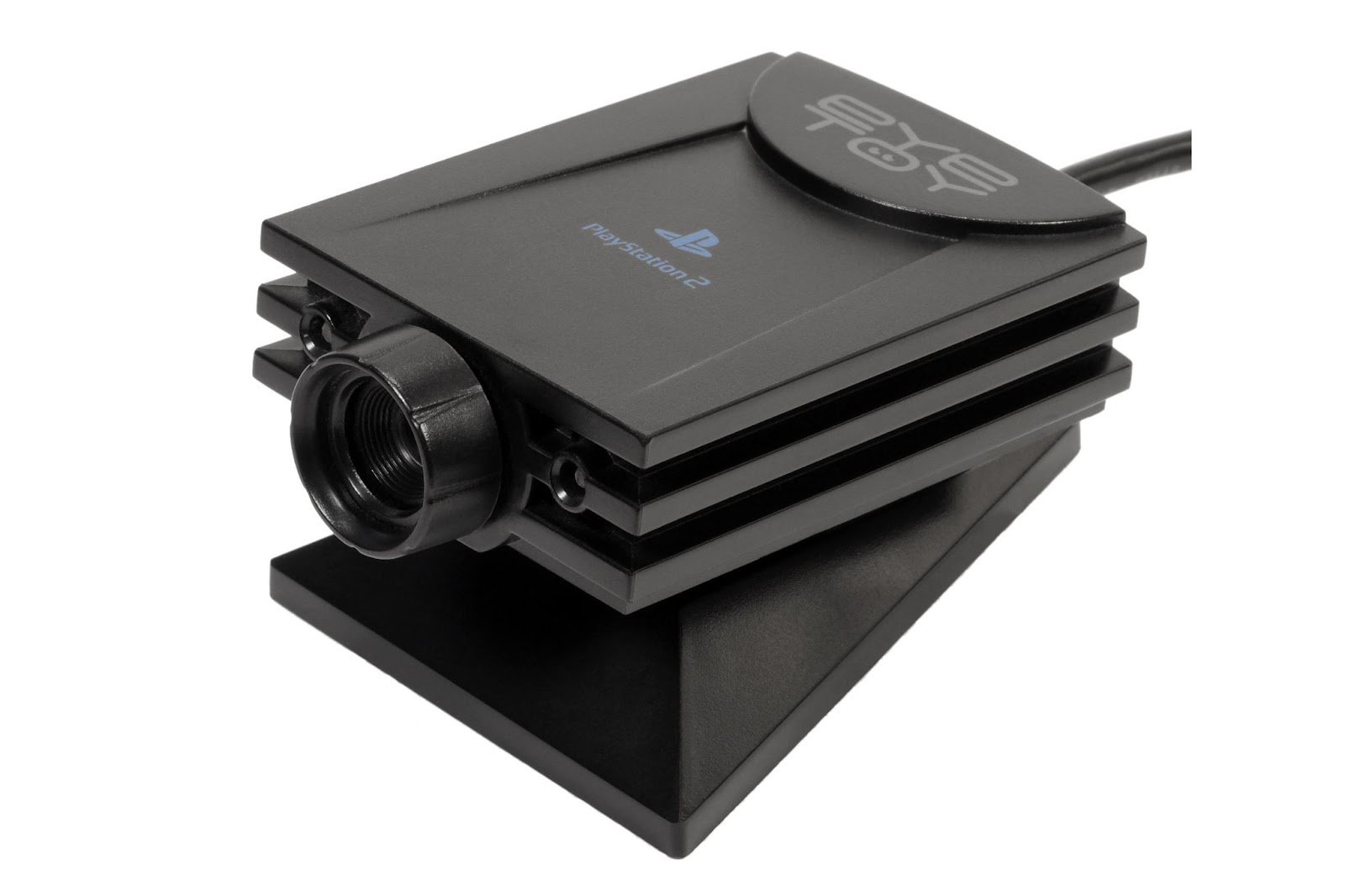
As accessories, Sony has been releasing cameras for its consoles for years. But EyeToy, released in 2003 for PS2, supported only a small number of games.
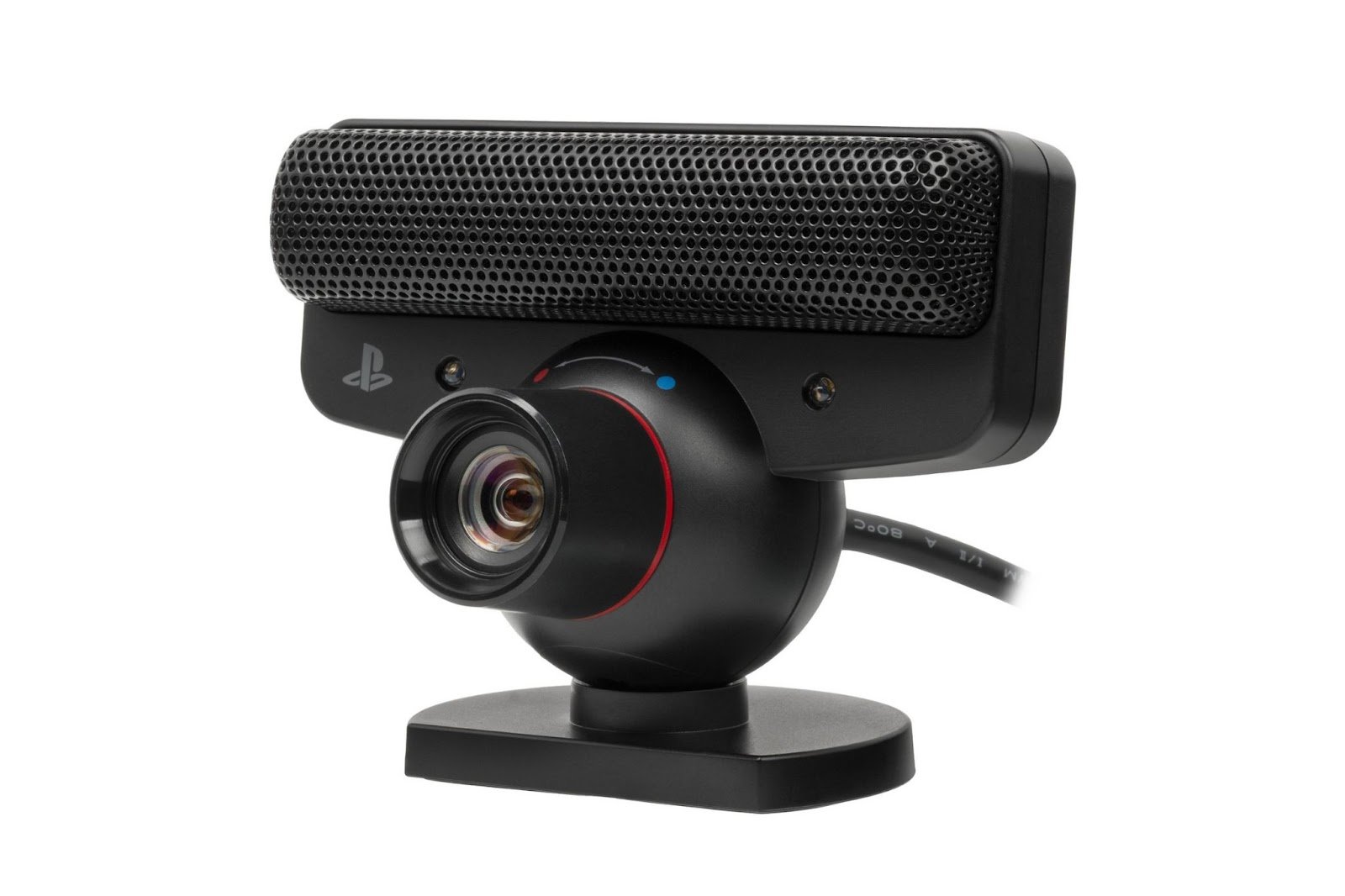
PlayStation Eye support in PS3 was slightly broader. The opportunity to use it together with the PS Move appeared, so the options increased. Attention from developers to the camera was there, although not exactly active.
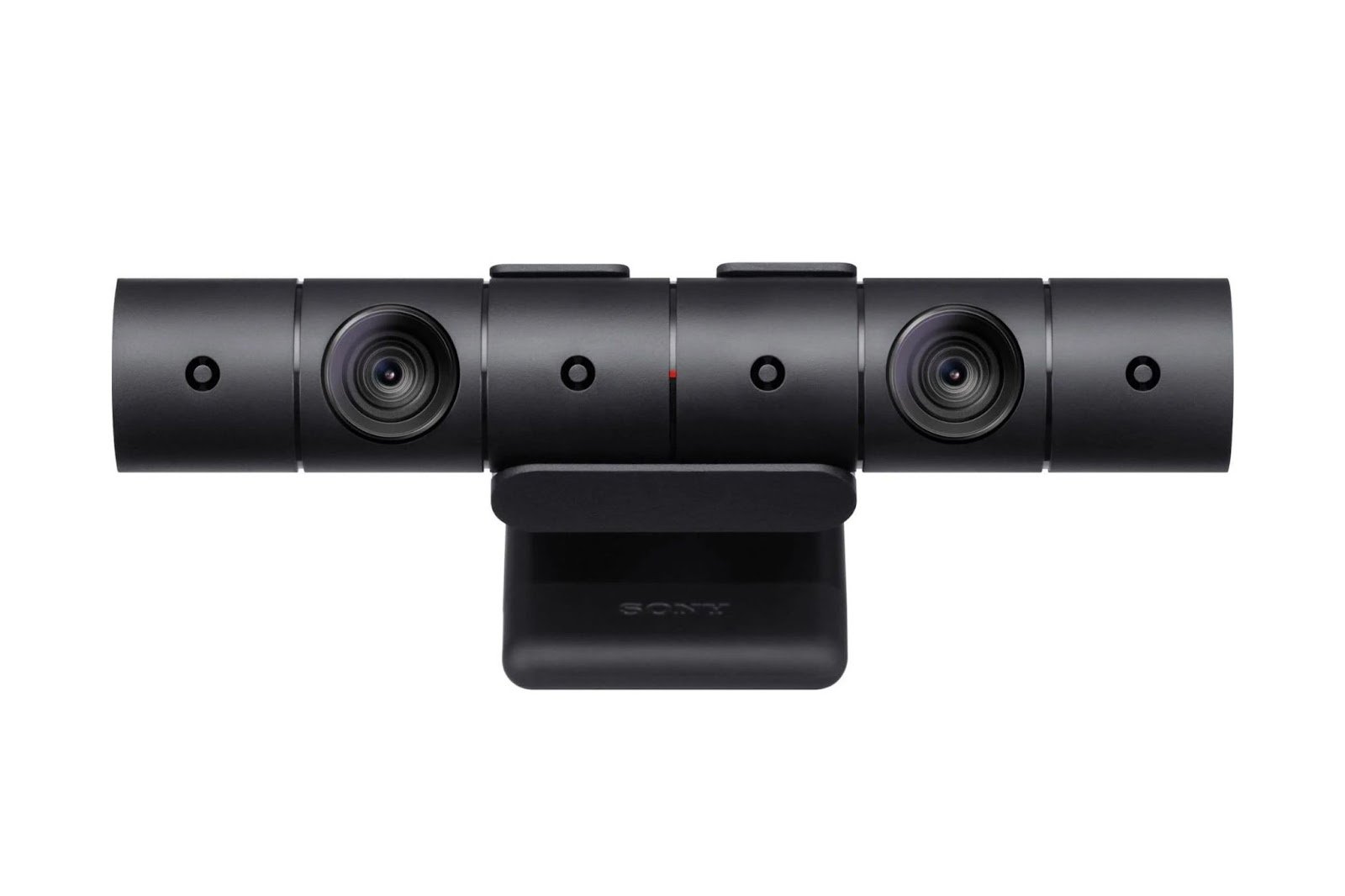
The possibilities of the PlayStation Camera for PS4 were wider. Two cameras made it possible to determine the depth of objects' placement in the frame.
PS Move, which went on sale in October 2010, was used in several games and in some even served as the only way to enter (mainly by Sony itself). The controller had a sufficient set of sensors: gyroscopes, accelerometers, magnetometer. Working together with a camera, it could determine its position in two-dimensional space using an image received from it.
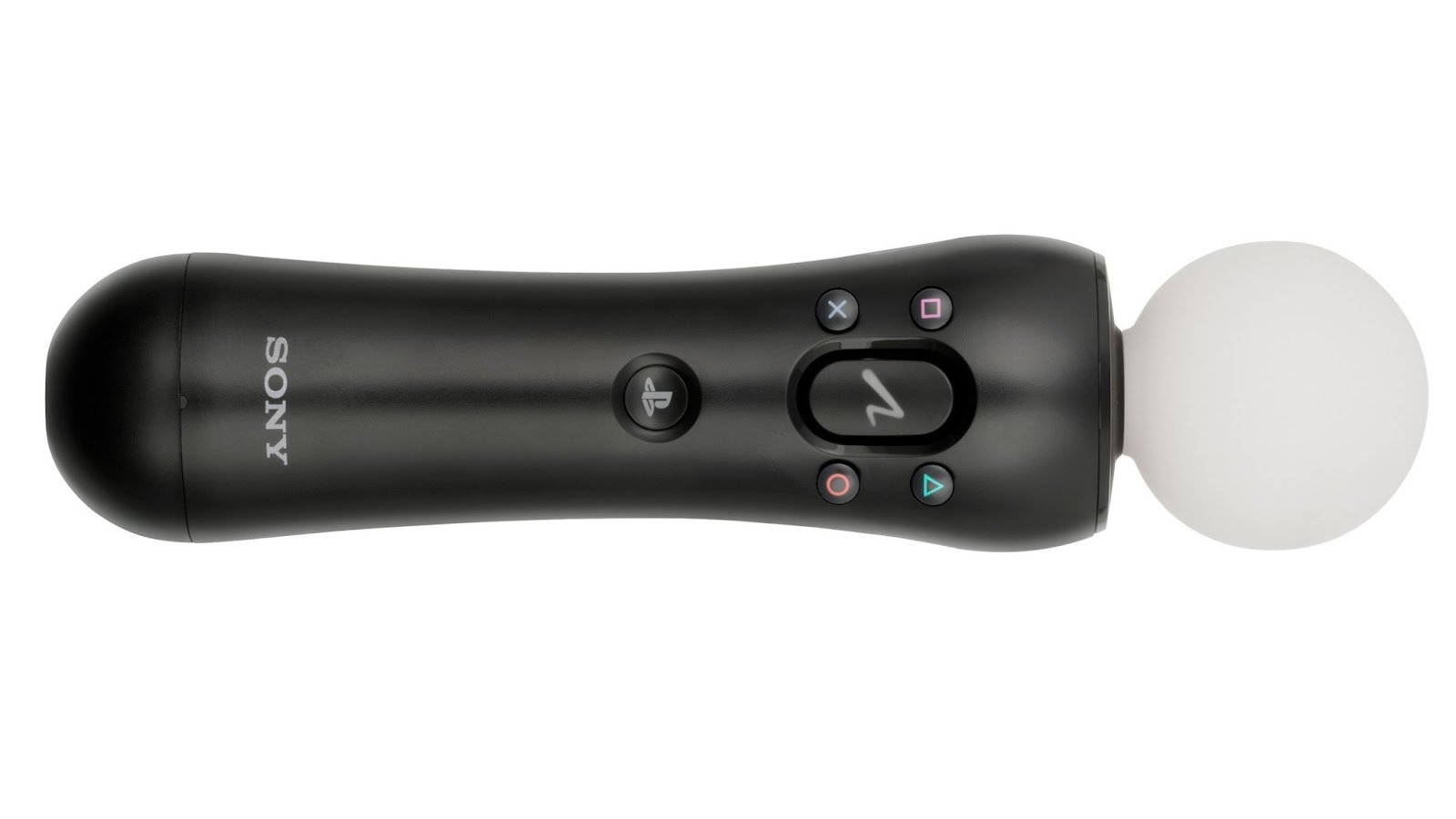
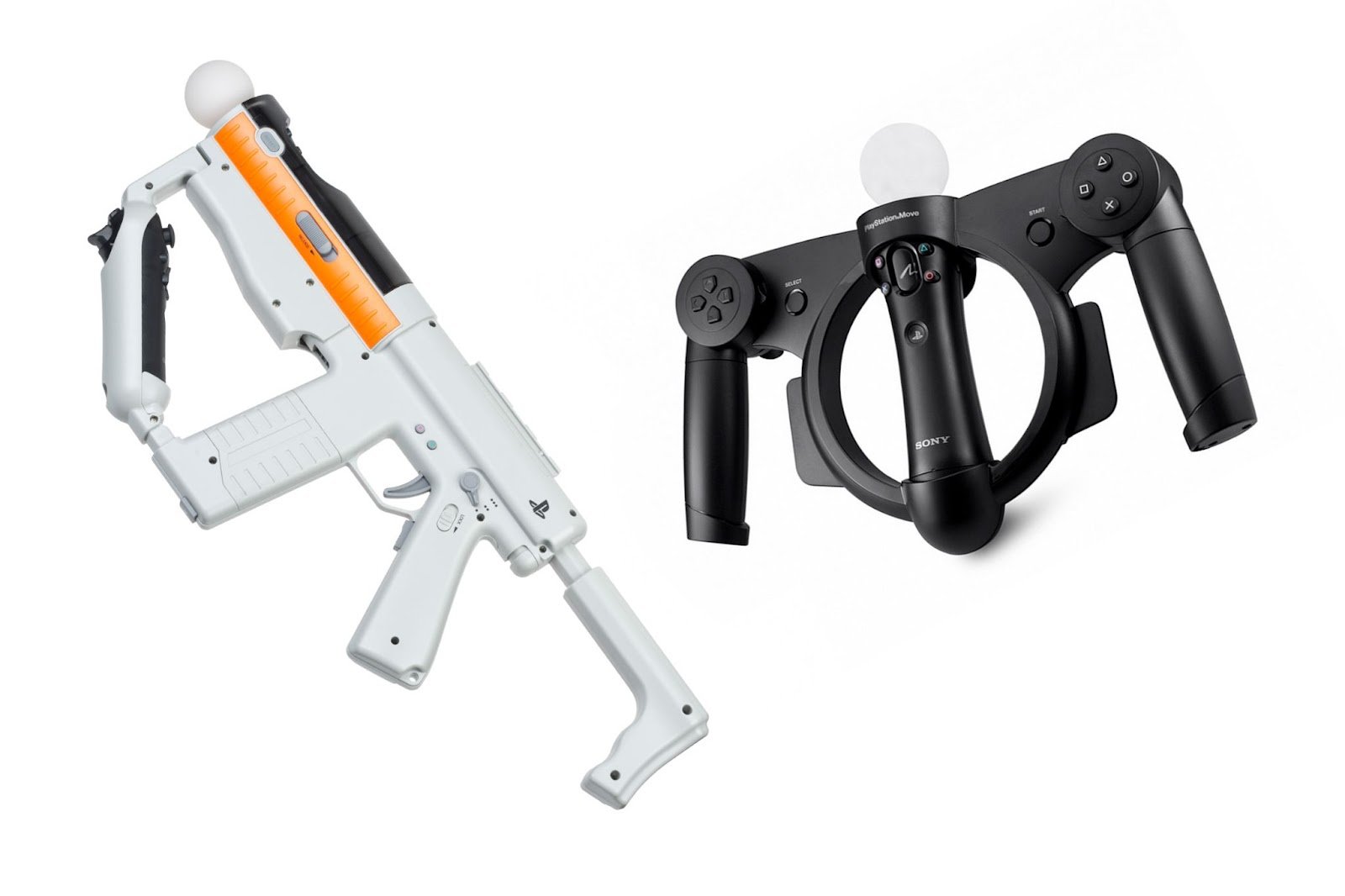
The PS Move themselves were complemented by accessories - guns, steering wheels and yokes for deeper immersion in simulators. Sharp Shooter turned the controller into a rifle (hello, NES Zapper!), while Racing Wheel was its rudder. Like with Wii Remote, these add-ons changed the context of interaction but relied on the functionality of the main device.
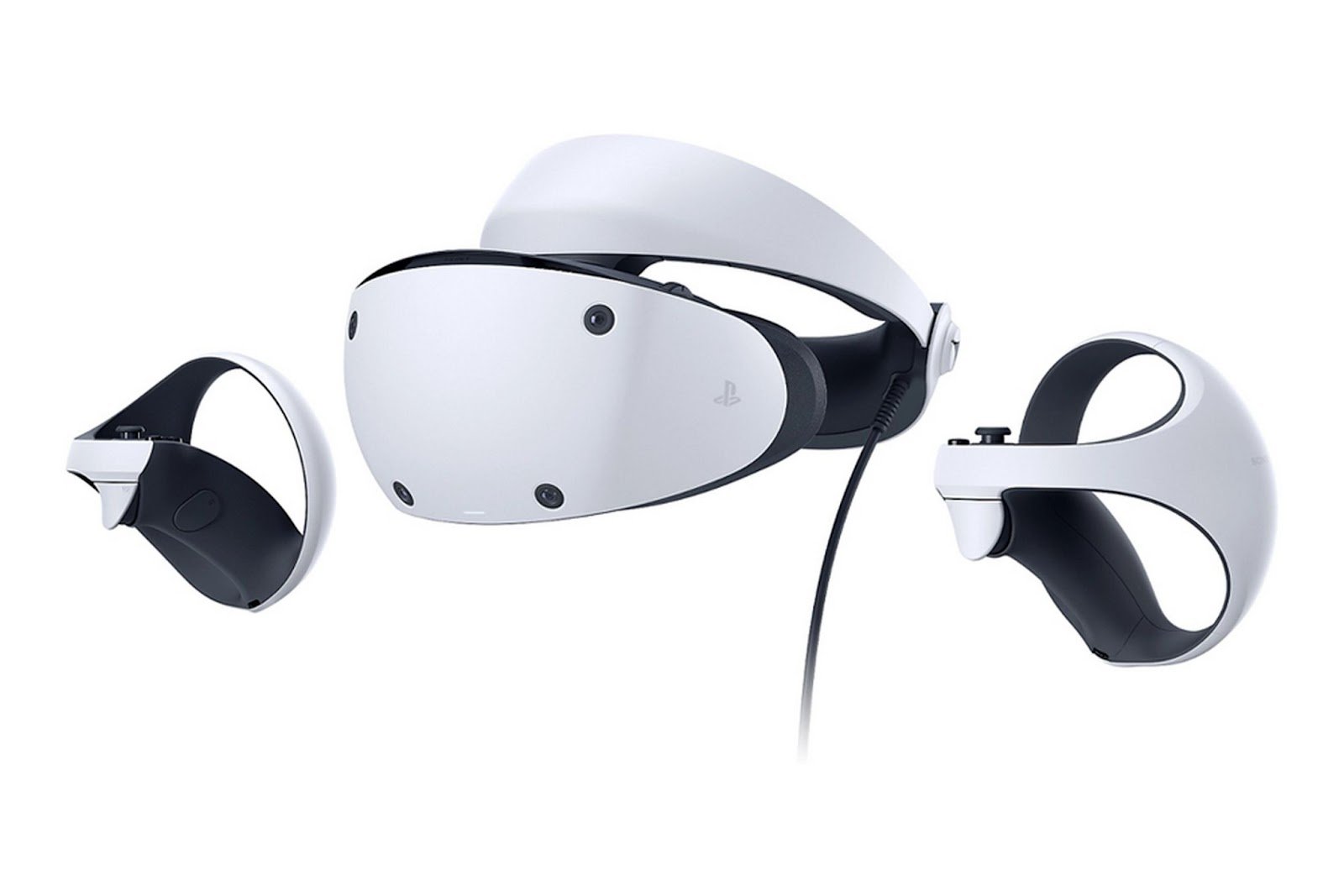
PS VR! First generation, released in 2016, relied on the Move controller, while the second revision came with special controllers for each hand with spatial sensors and additional control organs. Not a revolution, but in line with the trend.
The main gamepad of PlayStation evolved cautiously. The sensor to determine position (accelerometer and gyroscope) appeared on Sixaxis for PS3 in 2006 and became widely accepted.
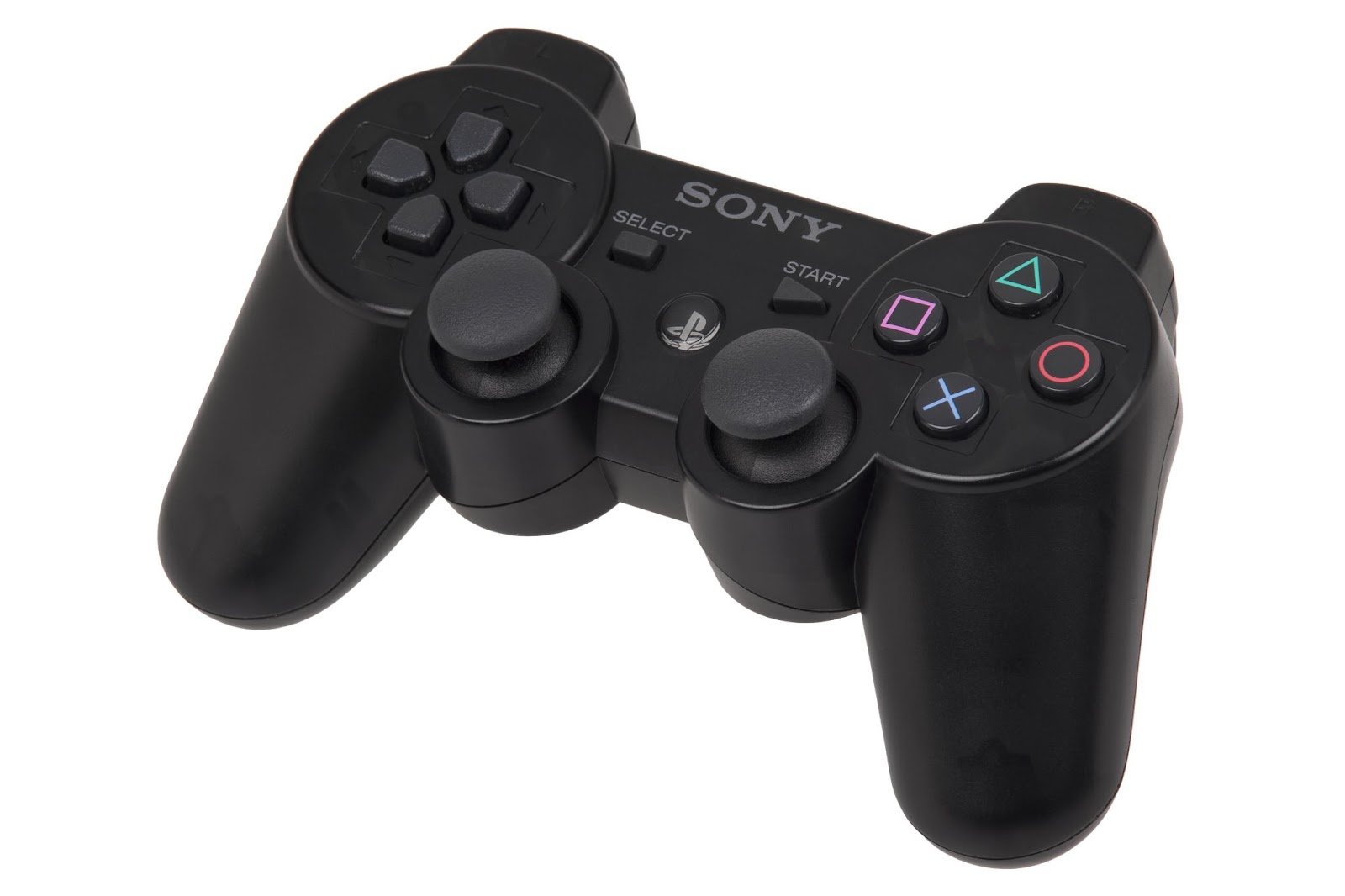
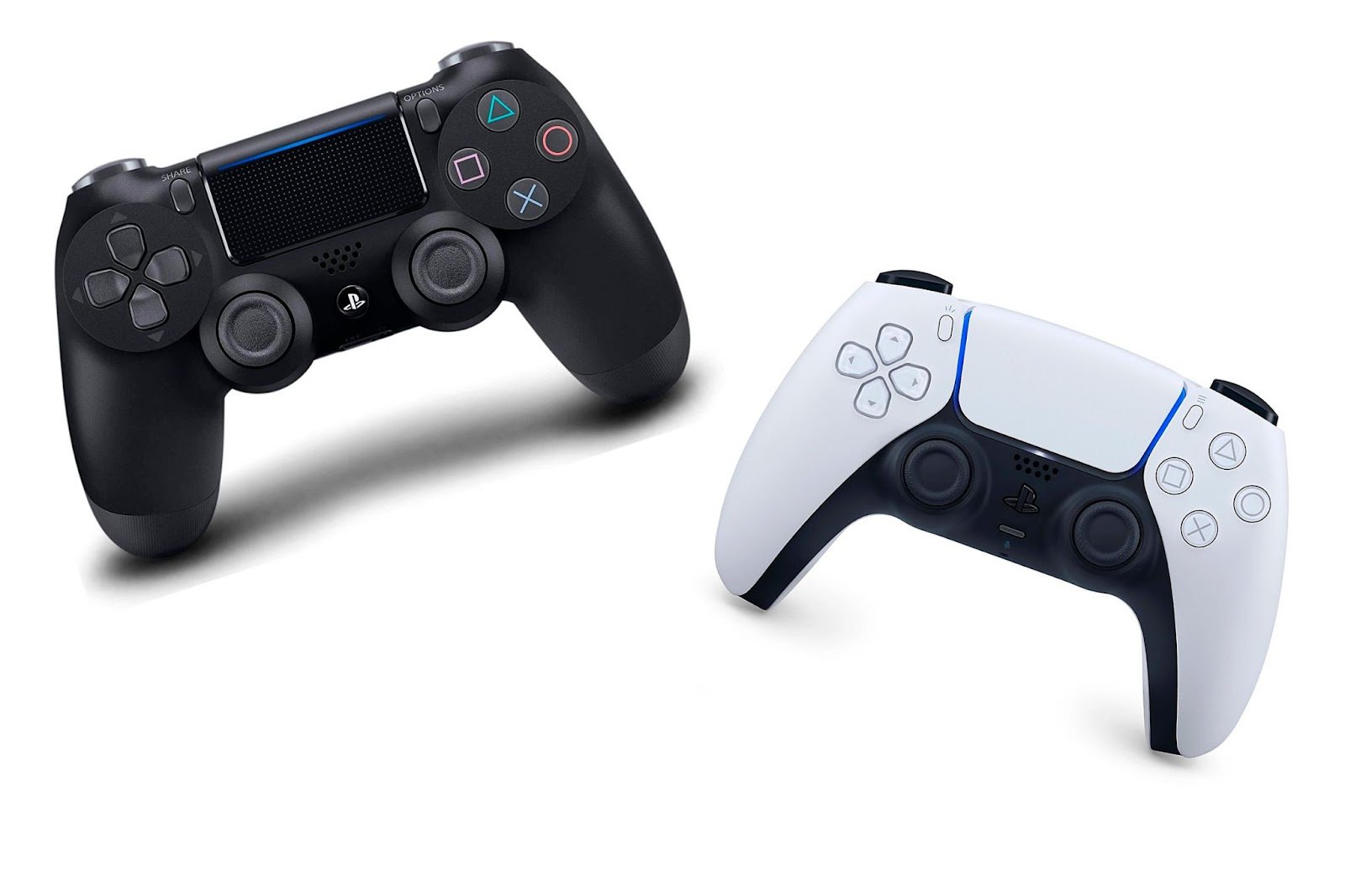
The touch surface of DualShock 4 allowed adding new ways of input based on gestures or cursor control. In essence, it's a touchpad from laptops that made life easier for players in scenarios such as cursor management in the built-in browser.
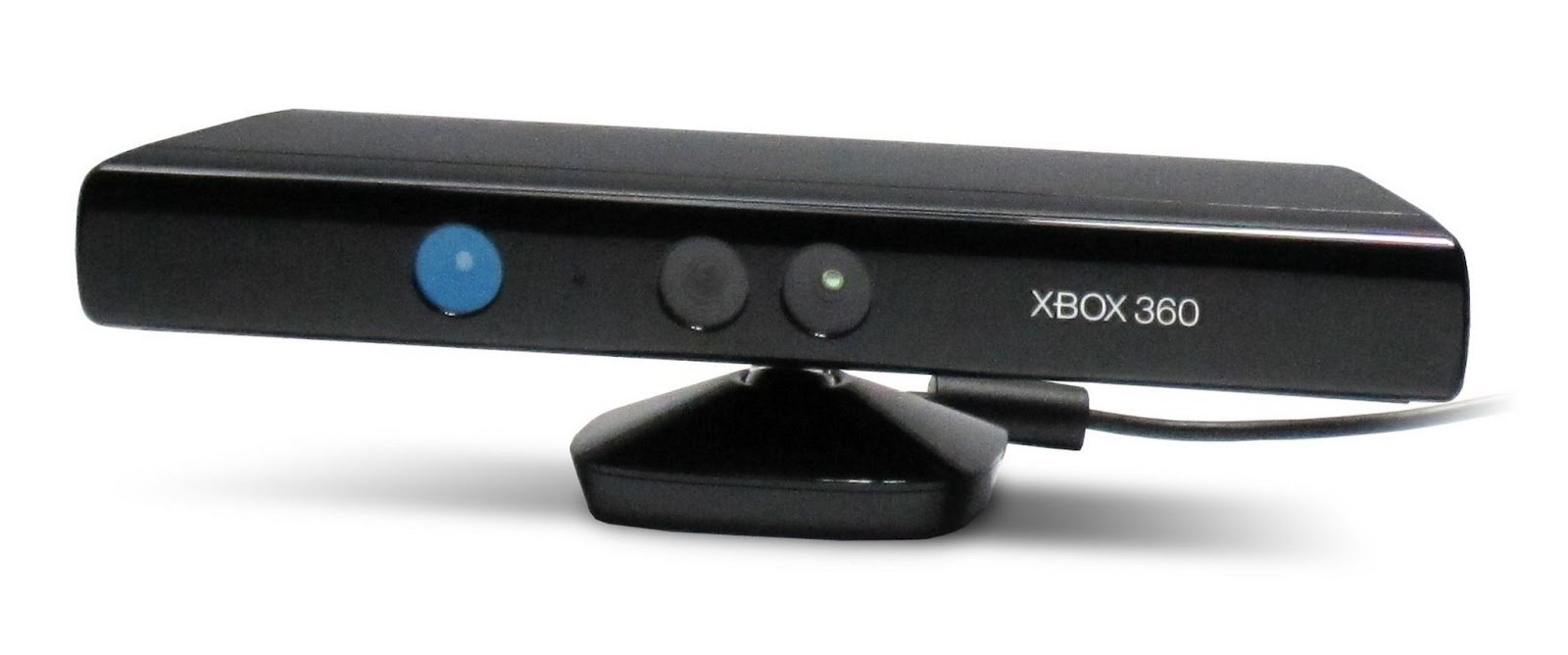
Microsoft did not revolutionize the development of console gamepads, but took an existing market on PC. The main experiment by the corporation, implemented as a commercial product, was Kinect, released in 2010.
In many ways, Kinect repeated the concept of active control formulated by Nintendo Wii, but raised it to a new level. Now, the user did not need to hold a controller in their hands at all. The Kinect camera supported voice input, saw what was happening on screen, and reconstructed human skeletons based on depth sensor data. This became a new stage in the development of game control methods, as it provided a set of data about player actions.
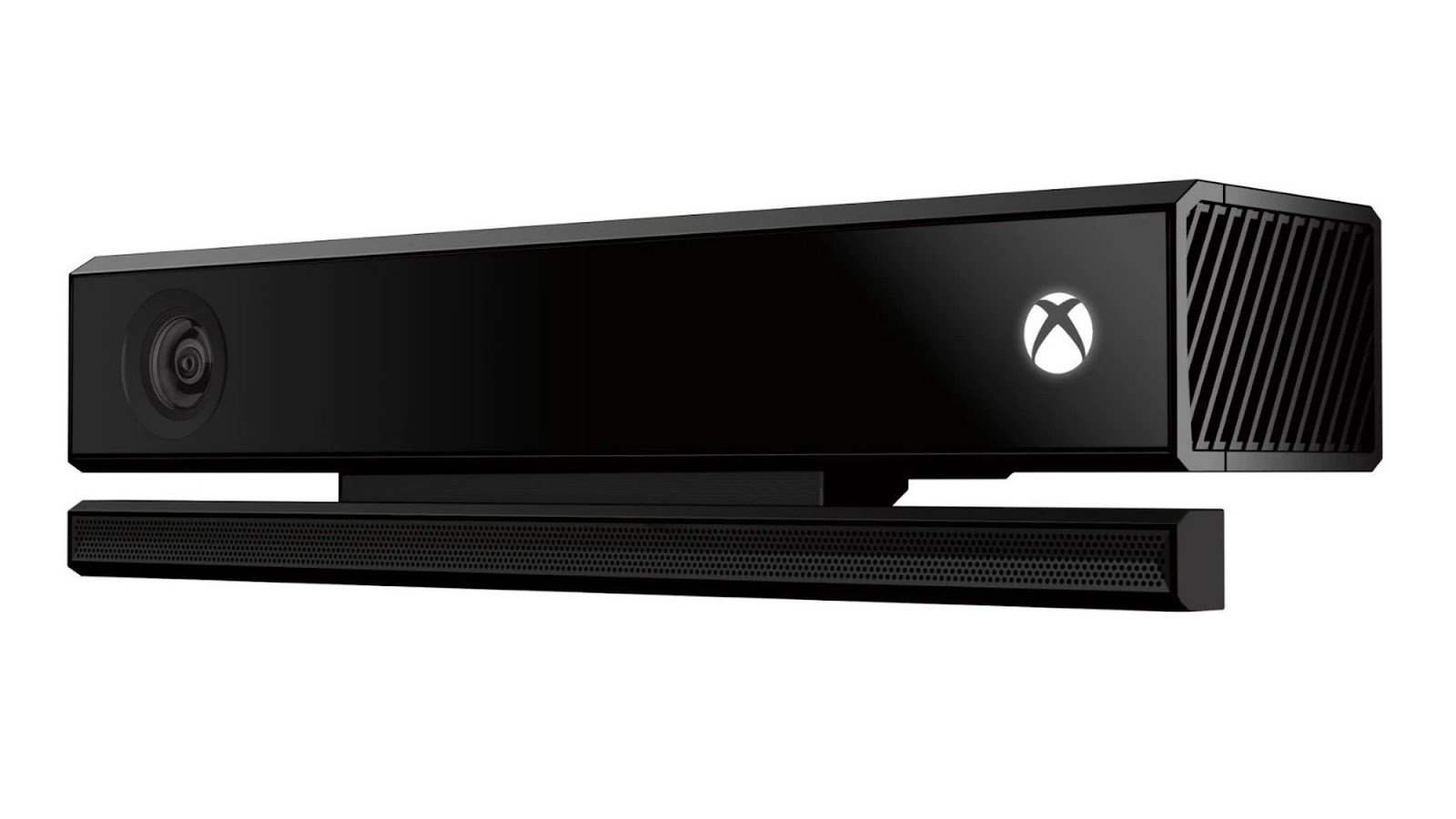
The first version of Kinect was optional: most Xbox games still relied on the gamepad. Kinect 2.0 improved interaction with interfaces and increased quality, but users did not approve of the constantly running camera. After negative feedback, the device was removed from the Xbox One package, and now we remember it as a bold but failed experiment.
Talking about Microsoft's achievements in input devices, you can't help but mention HoloLens. At E3 2015, the device's capabilities for augmented reality were demonstrated in Minecraft, but attention gradually shifted to professional applications.
HoloLens significantly changes the way interfaces are controlled. Voice commands, gesture recognition, and gaze tracking are not a revolution, but a logical set of input methods. Is it suitable for controlling traditional game genres? More likely no, but that's not its goal.
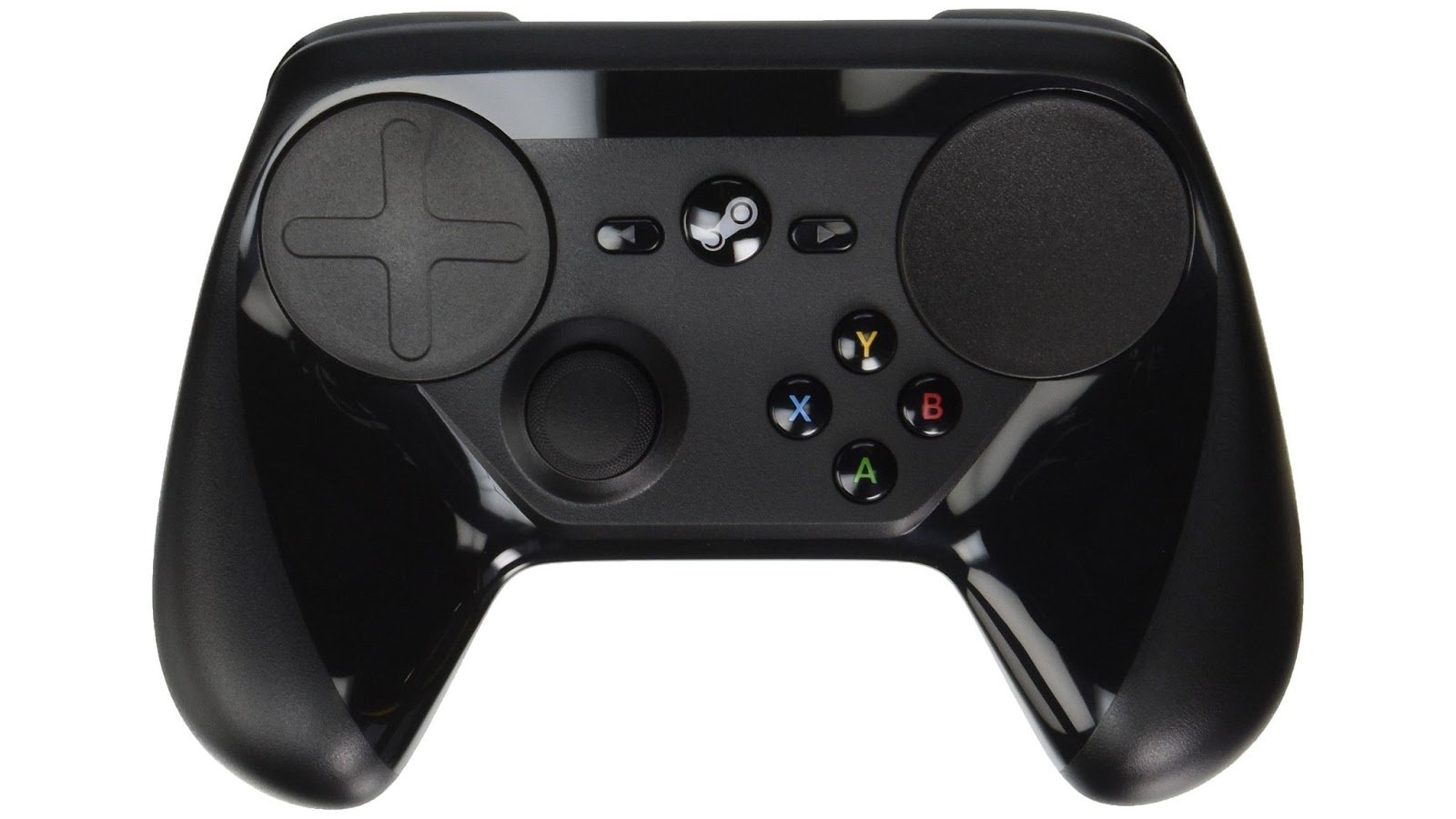
Valve entered the hardware market cautiously, but immediately began experimenting. In 2015, Steam Controller significantly shifted the idea of using sticks in favor of touch surfaces. The desire to solve the problem of uncomfortable cursor control seems really important for a company that owns the largest PC game store.
Projects where the user often controls the mouse pointer rely on vector displacement. Sticks do the same, but the character of interaction is radically different. Steam Controller became an attempt to transfer cursor control to a gamepad through familiar mobile PC touchpads.
However, at high accuracy, the path of the mouse may be longer and significantly more limited by surface area. It is this need to move the point of contact for continued movement that complicates the application of touchpads in many cases. In general, Steam Controller tried to improve interaction but did not solve the problem. In many cases, sticks were not too far behind, and with additional tricks such as using a second stick or gyroscope (in some games), they showed similar results for accuracy and control speed.
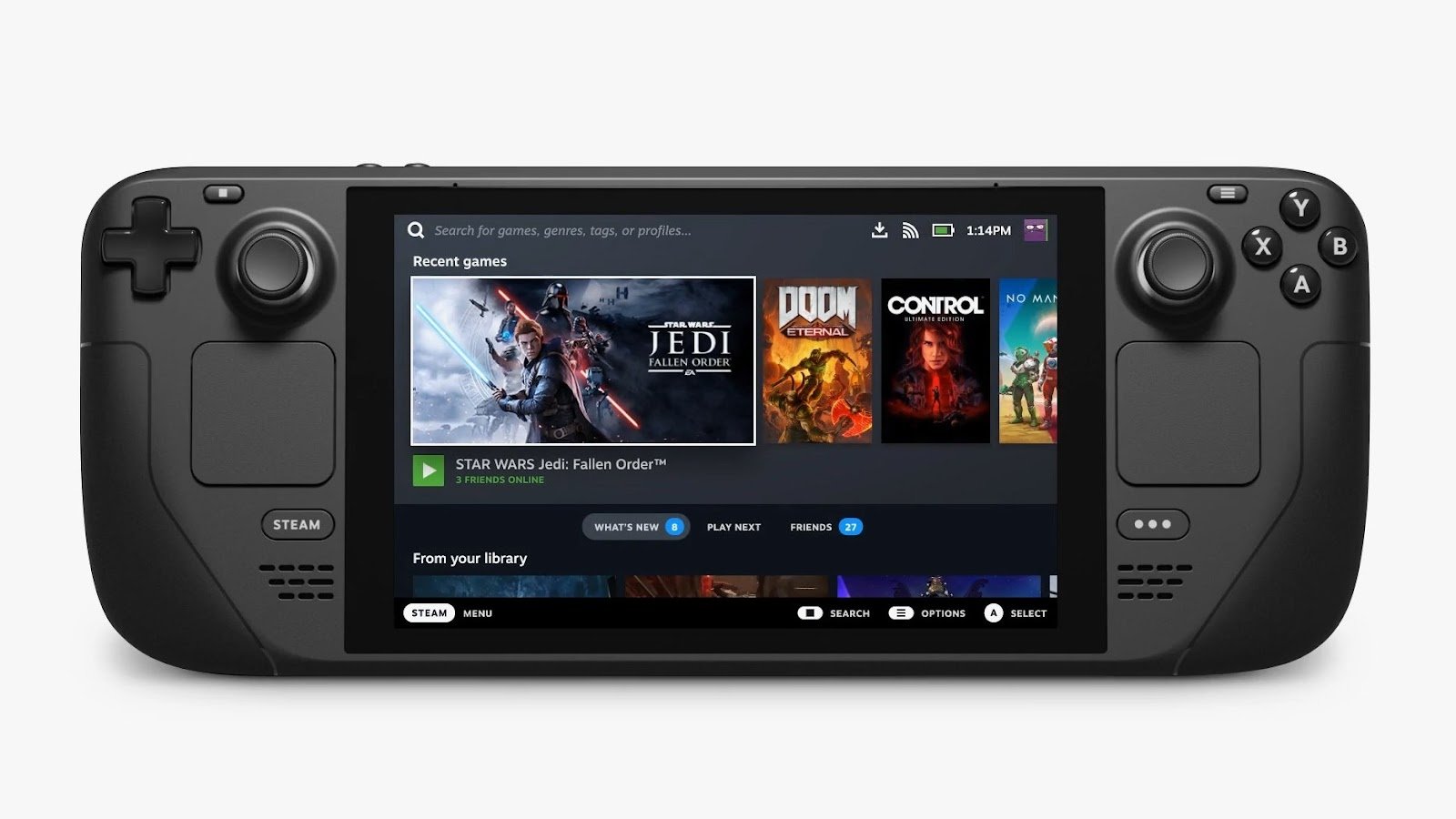
Steam Controller changed so much and prepared the ground for the next bold device - Steam Deck, released in 2022. Many liked the idea of having a portable console with a pre-existing library of games (each user already has a ready-made library).
On this occasion, Valve preferred a more traditional set of control organs: the second analog stick returned. On the front panel are two touchpads and a set of buttons; on the upper edge - joysticks. As a bonus, there are additional rear keys. There is nothing radically new or bold from an engineering standpoint in Steam Deck, but combined with all the infrastructure and software, it became a significant step for gaming.
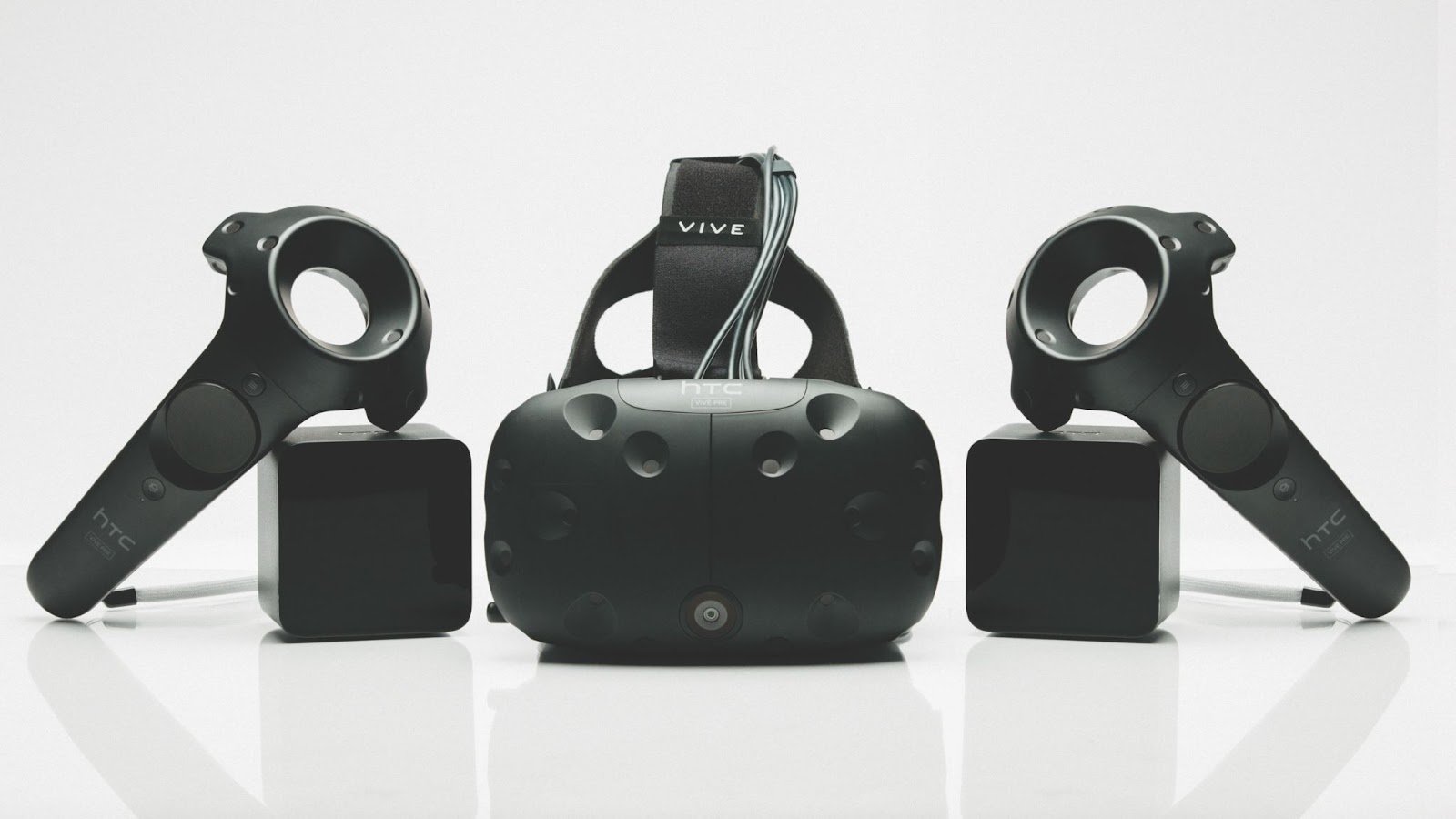
Another important Valve project, created jointly with HTC in 2016, was the VR headset Vive, which popularized spatial position sensors. Very accurate detection of hand and head positions, coupled with low input lag, are particularly important for virtual reality.
Controllers returning coordinates within a given volume became essential for such devices. In addition, Vive controllers were equipped with a set of buttons and a touch surface, adding precision to input without requiring special gestures.
Mobile devices significantly expanded the market due to people who had never played before and have had an impact on gamepads. Smartphones and tablets have corrected many interaction scenarios precisely because they are mobile. Modern smartphones have only a minimal set of service buttons not intended for controlling applications, so traditional sticks and buttons can be successfully replaced by multi-touch, accelerometers, and gyroscopes.
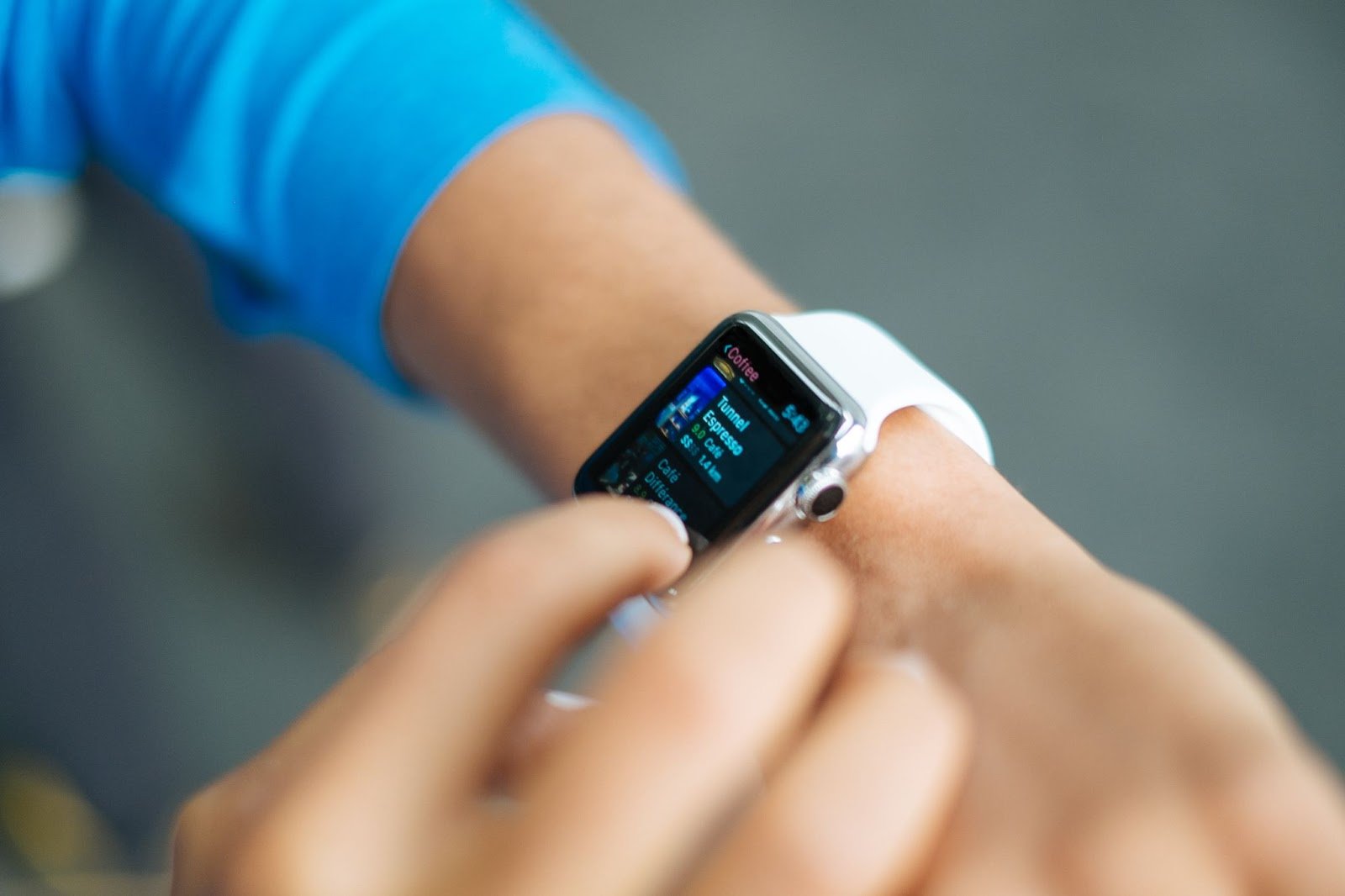
It's hard to say what the advent of mobile gaming has changed in traditional input devices. Rather, the development of spatial sensors and touch surfaces in smartphones has progressed parallel to the evolution of familiar gamepads.
However, there is an area where mobile devices have always significantly excelled. The resurgence of VR has sparked interest in augmented reality as well. The presence of a camera in any smartphone theoretically allows it to be used as a control organ. The toolkit for augmented reality on mobile devices is available and can be used to control the game. However, active development of this direction in smartphones is not observed.
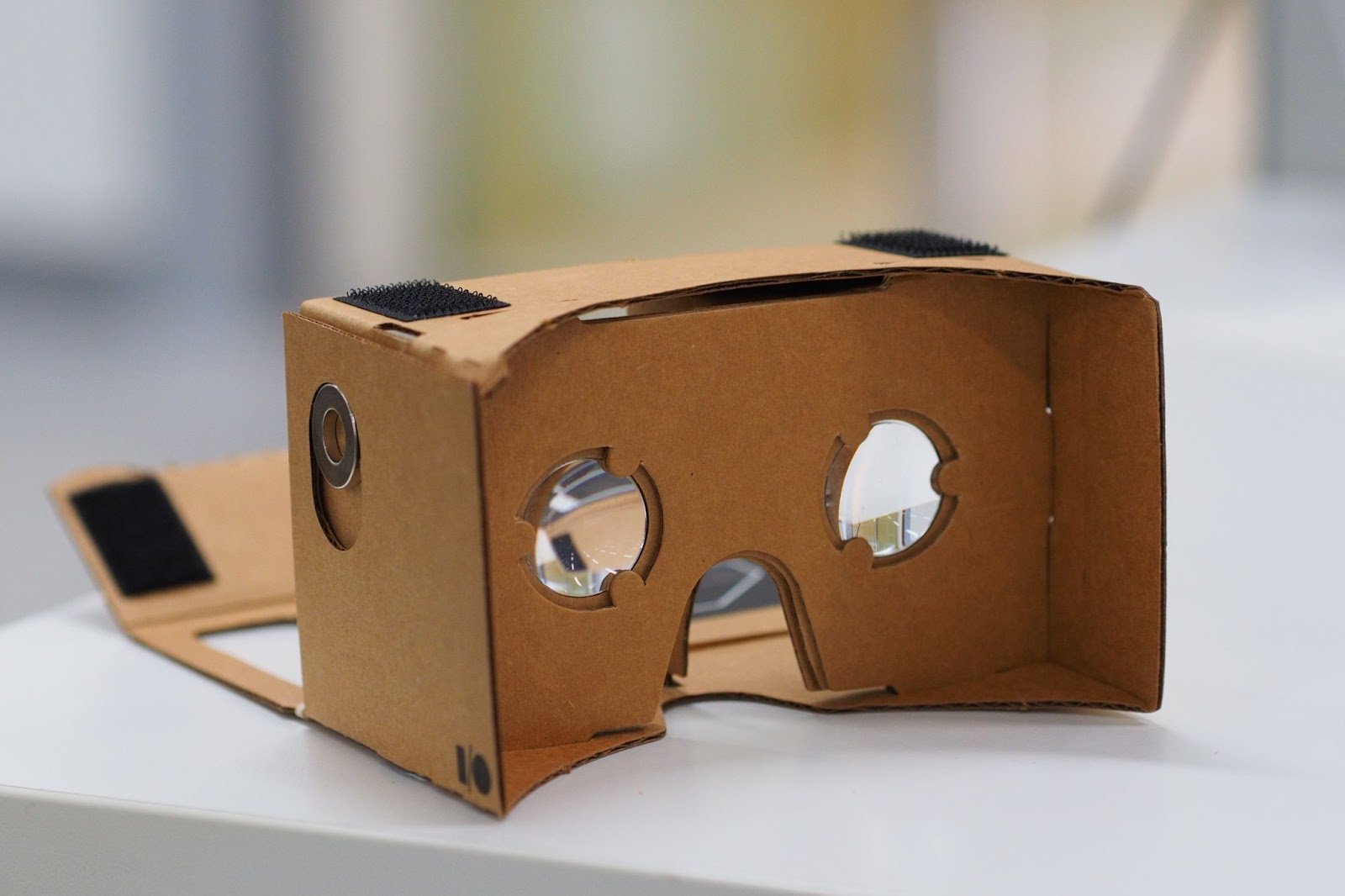
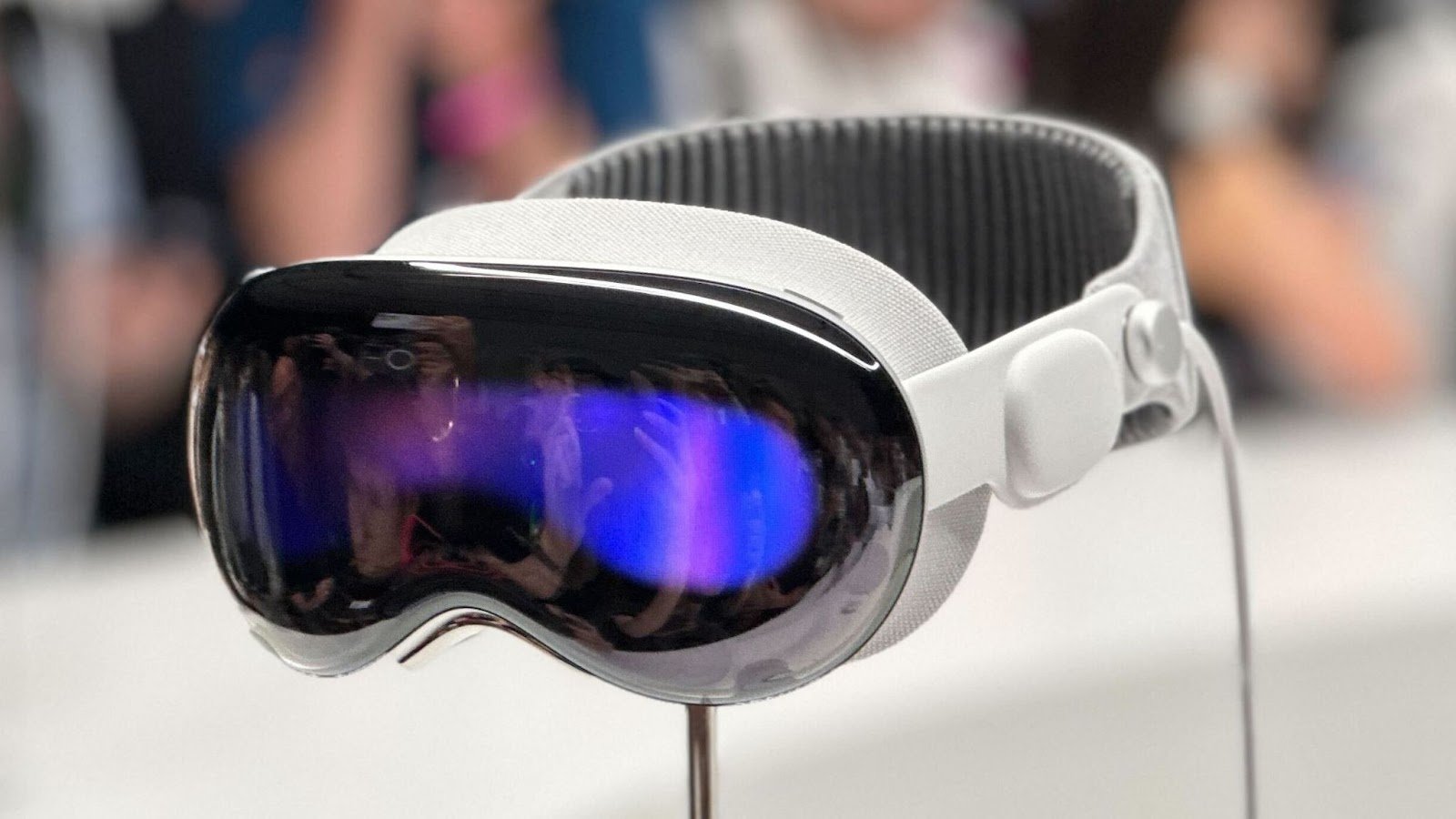
Apple Vision Pro can also be attributed to mobile devices, but it is largely a cousin of VR headsets and Microsoft HoloLens. It's a new attempt to change the paradigm for interaction with interfaces, usage scenarios, and input methods. The device has buttons, but they are service-oriented. As with HoloLens, the primary interaction takes place through alternative input methods based on sensors. Eye tracking, gesture control allows you to interact with interfaces and requires new approaches to game design.
A significant achievement in this device is its fairly accurate hand-tracking detection, which reads out events. The eye-position detector completely replaces cursor position input. We get an analogue of the touchscreen that captures position (eye and hand) and state (touching fingers as an event). Is it a revolution? At least, it's a serious step towards rethinking what characterizes Apple. The input concept for such devices looks very organic, and time will tell how familiar it will become.
Looking at the history of gamepad development and input methods, you can notice that after a trend for something unusual always comes a period of stabilization. The novelty wears off, taking an innovative controller to the history book, but it manages to influence familiar devices. Technologies rarely disappear completely, sometimes returning years later in a completely unexpected way.
But not only users are cautious about experiments. Often, game developers are not eager to incorporate innovative features of new gamepads into their projects. A vivid example is the standard touchpad on Sony gamepads. It's often used, but is it really needed in many games? Many actions that it performs can be handed over without loss to buttons and sticks.
The sensor screen on portable consoles also often looks completely unnecessary. Physical control organs comfortably handle their tasks, and reaching for the desired button on the screen is not always convenient. However, the ability to experiment with touchscreens allows us to implement new game scenarios. History knows many transformations of one and the same concept, and in this sense, it's worth touching on the topic of virtual reality.
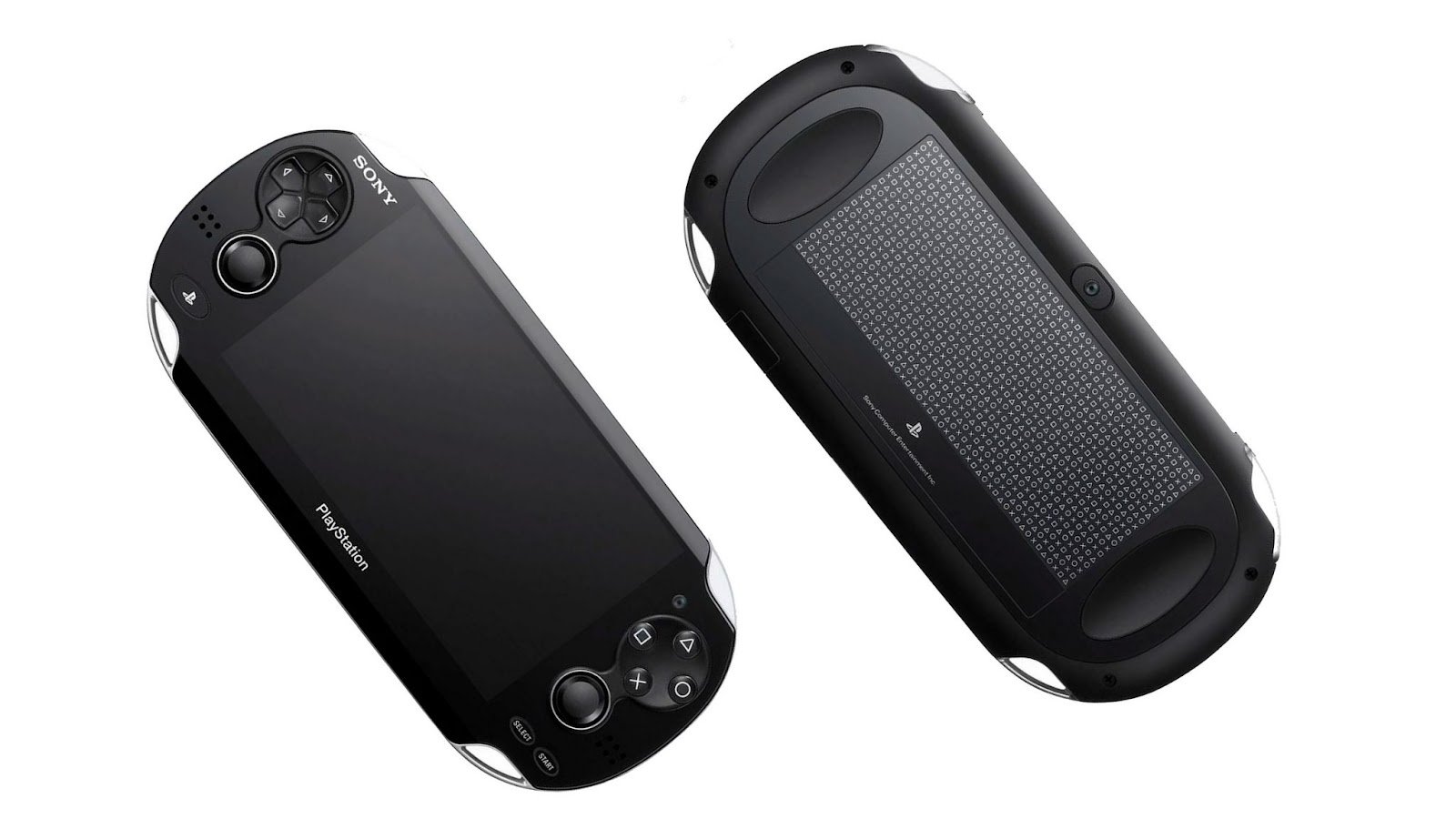
VR and AR have presented new challenges for engineers, leading to new experiments with 6DoF spatial controllers in game processing. For a long time, we were satisfied with operating two axes, and their interpretation in three-dimensional games was left up to developers. To work in virtual reality, interacting with the space itself looks very natural.
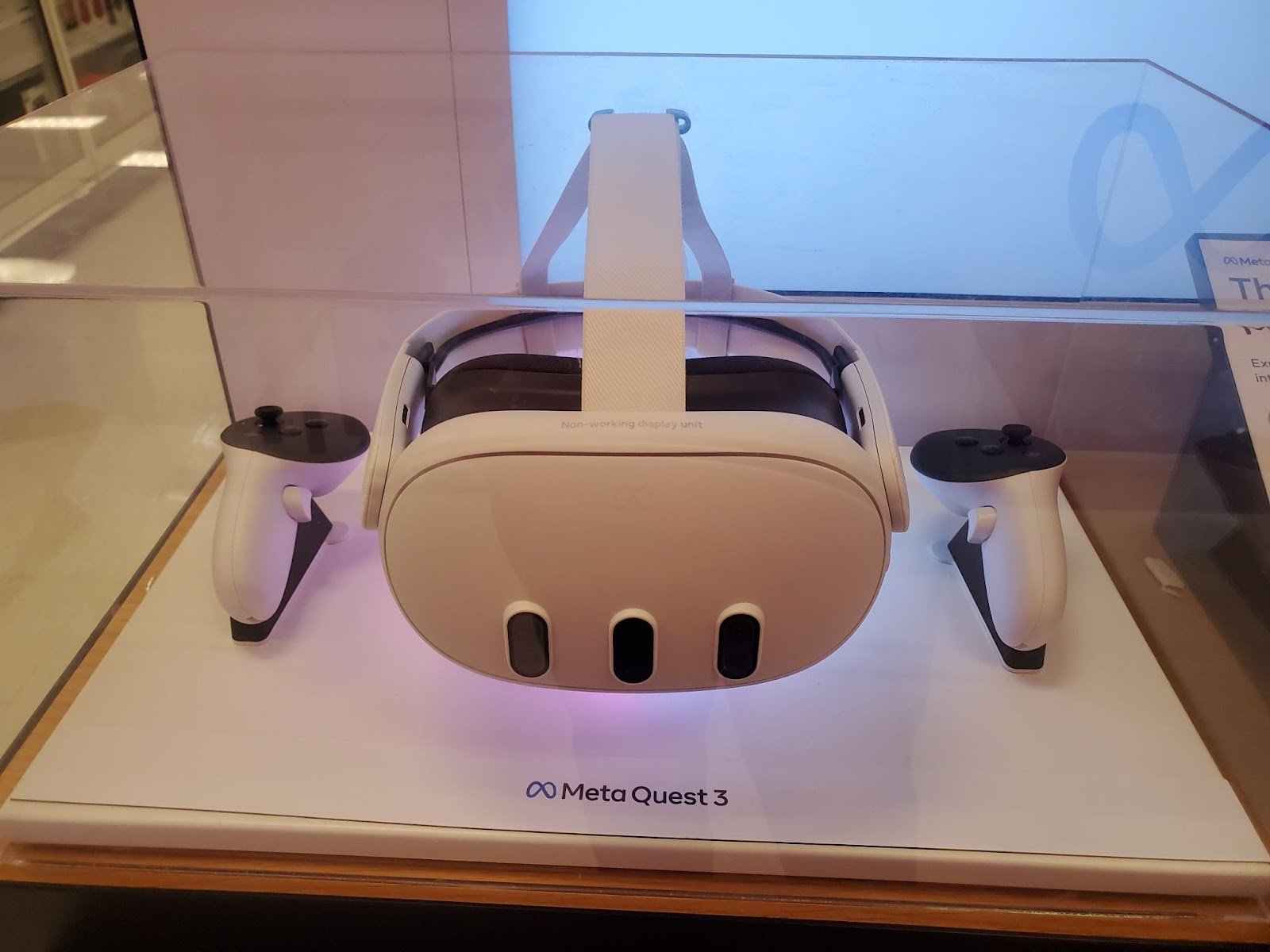
This led to the traditional input devices requiring significant changes. First and foremost, there was a desire to completely get rid of something in one's hands. Sounds logical, although it introduces very high requirements for sensors and processing software. The experience with spatial positioning showed that the user will choose precision over free hands. But the experiments themselves became a new stage in technology development.
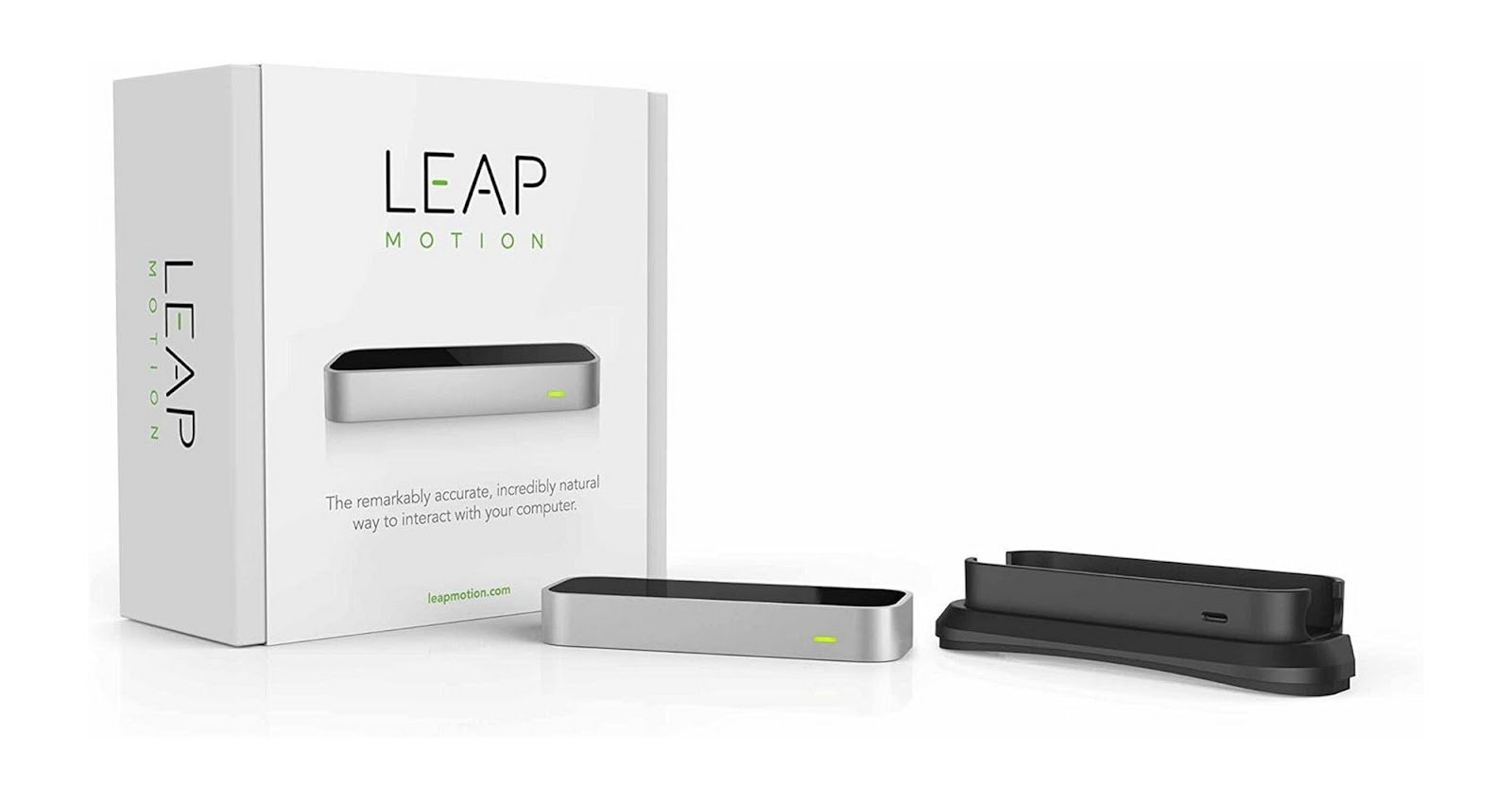
Leap Motion 2013 from a hardware perspective was similar to Kinect for VR headsets. The controller determined the position of the hands with bone reconstruction and used their movements and gestures as input information. While the accuracy left much to be desired, it advanced the concept of gesture input itself. Similar principles have found new opportunities with the development of neural network models and will certainly continue to develop.
A notable example of markerless skeleton reconstruction with open code is the OpenPose software.
The intersection of different groups of devices sometimes appears in various games. For example, smartphones are used as controllers on consoles. An interesting example is the Beyond: Two Souls experiment, where you can connect a special mobile app for control. And Frantics allows playing with friends on console via a mobile app using a sensor screen or spatial sensors.
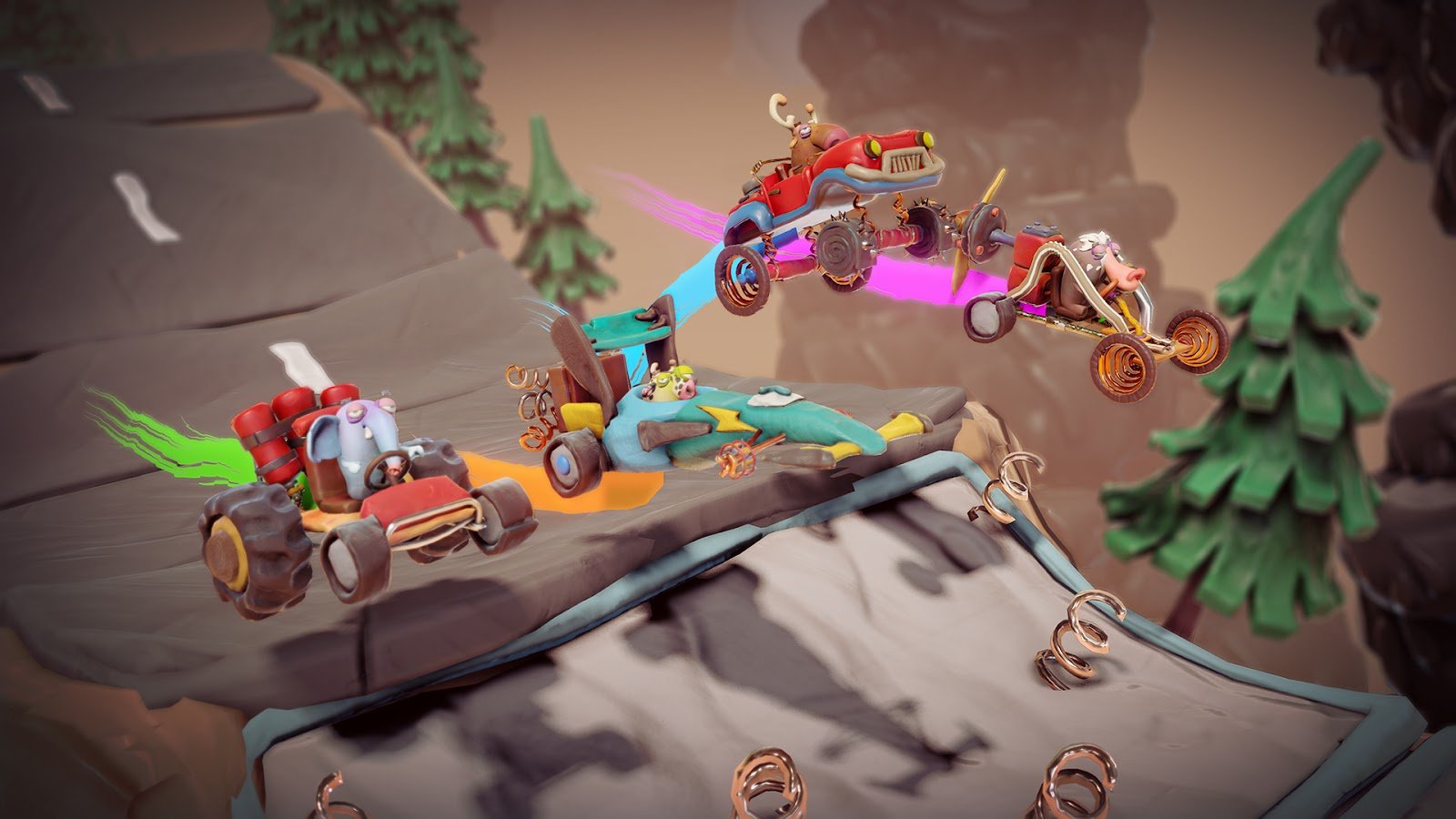
Support for gamepads in PC games has long been a norm. Although there are still projects focused on mouse and keyboard only, especially in traditionally computer genres like RTS or adventure games. Gamepads can be connected to mobile devices via Bluetooth. For mobile games, you can use overlays with sticks or triggers with multiple press functions inspired by NES turbo controllers. Connecting a keyboard and mouse to an Android device is not a difficult task either. And consoles allow such a maneuver as well. Although games for these devices rarely expect such a way of input, sometimes it even makes sense.
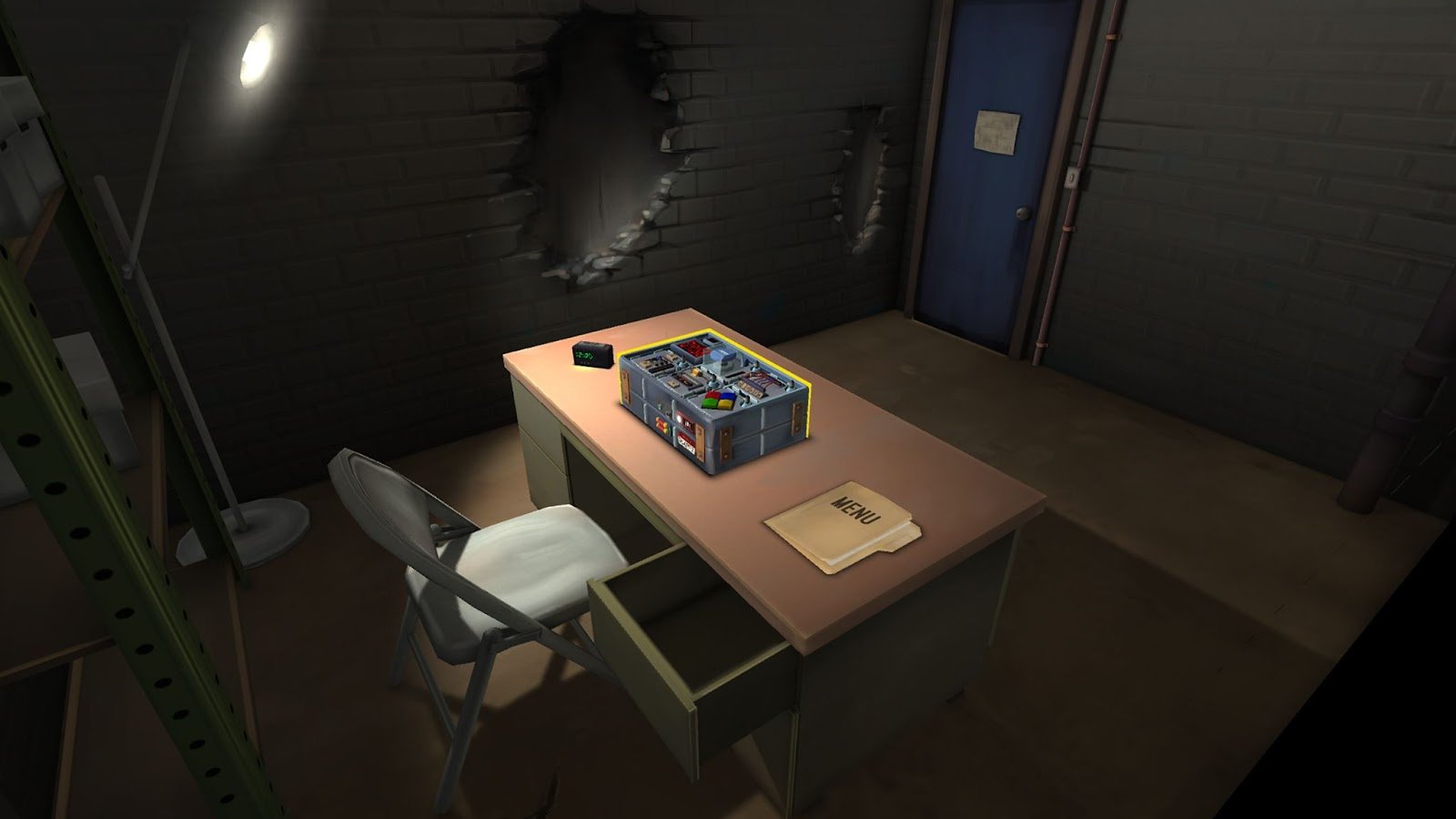
There are several games that allow combining different devices in one game experience. Potato Party: Hash It Out, Carly and the Reaperman - Escape from the Underworld, VR Giants are interesting examples of co-op play across different platforms. Keep Talking and Nobody Explodes takes the idea of control out of the technical realm and into a social sphere, allowing friends to guide the player's actions to defuse a bomb.
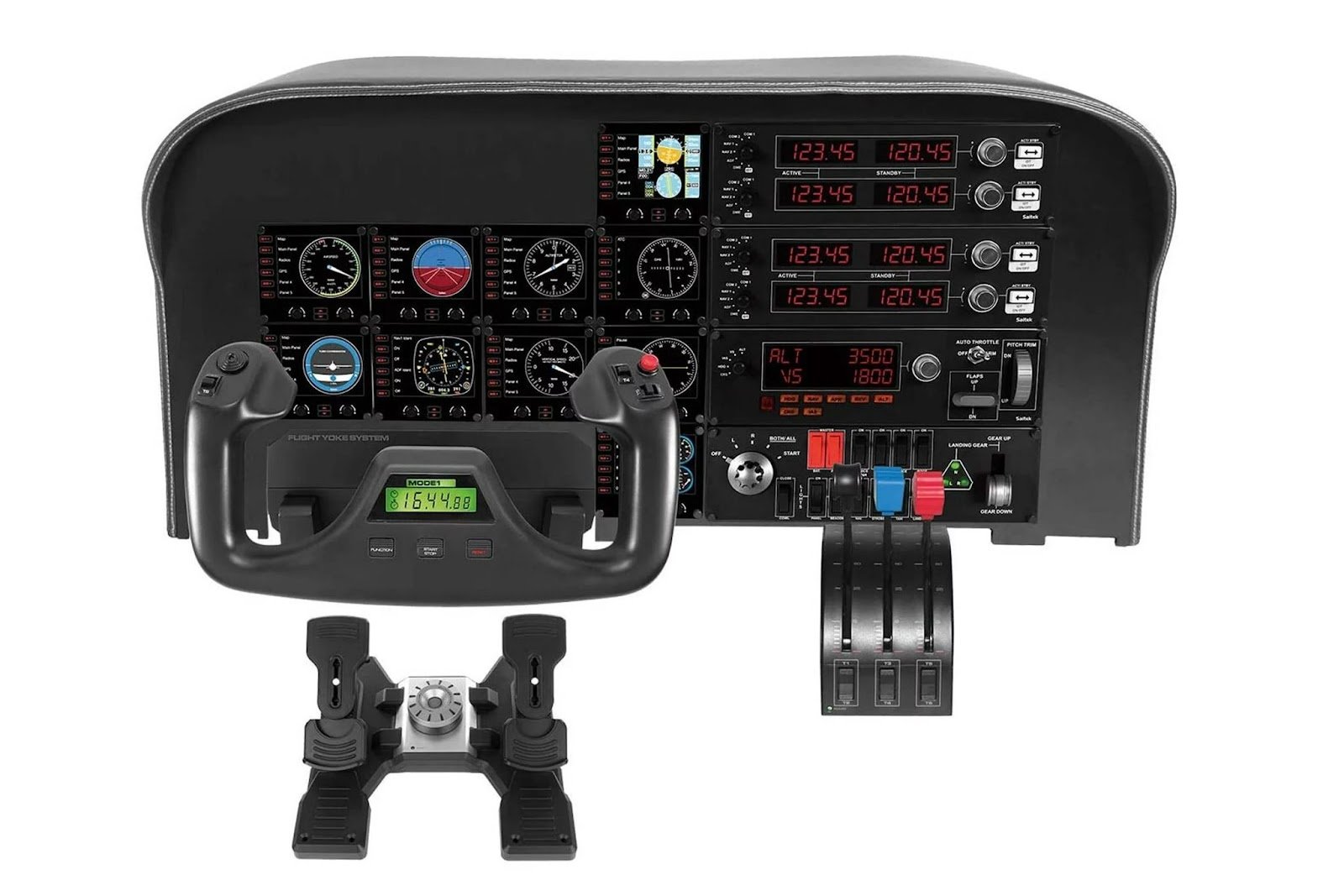
Steering wheels and throttles have long been used as optional controllers for transport simulations. If car simulators are simple enough, aircraft simulator controllers have a specific set of organs that control them. Yoke (rudder), throttle, joystick, and pedals returning a set of analog signals can be supplemented not only by buttons but also by rotating wheels for smooth changes in some parameter. These are similar to those obtained from other controllers. They all boil down to a fractional value on an axis or the state of a button, but the number of individual organs can provide more information for controlling a virtual aircraft.
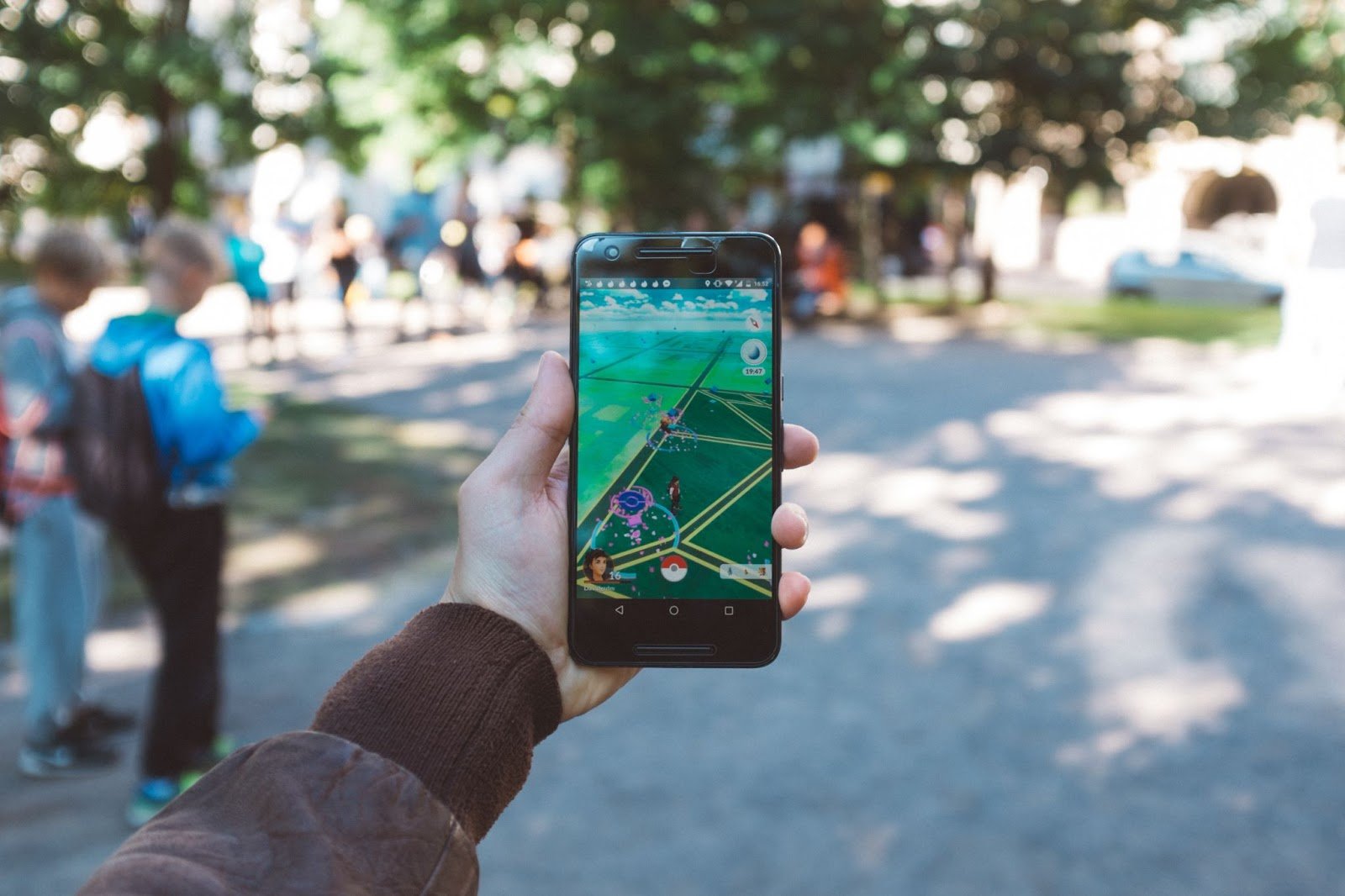
Unusual ways of control do not just appear periodically; sometimes they become incredibly popular, although more often than not they remain a small but interesting experiment.
Pokémon Go is a great example of using geolocation as one of the elements of control in the game. In many ways, this is a cultural phenomenon rather than a technological one, but developing ideas from Field Trip and Ingress turned out to be bold and successful.
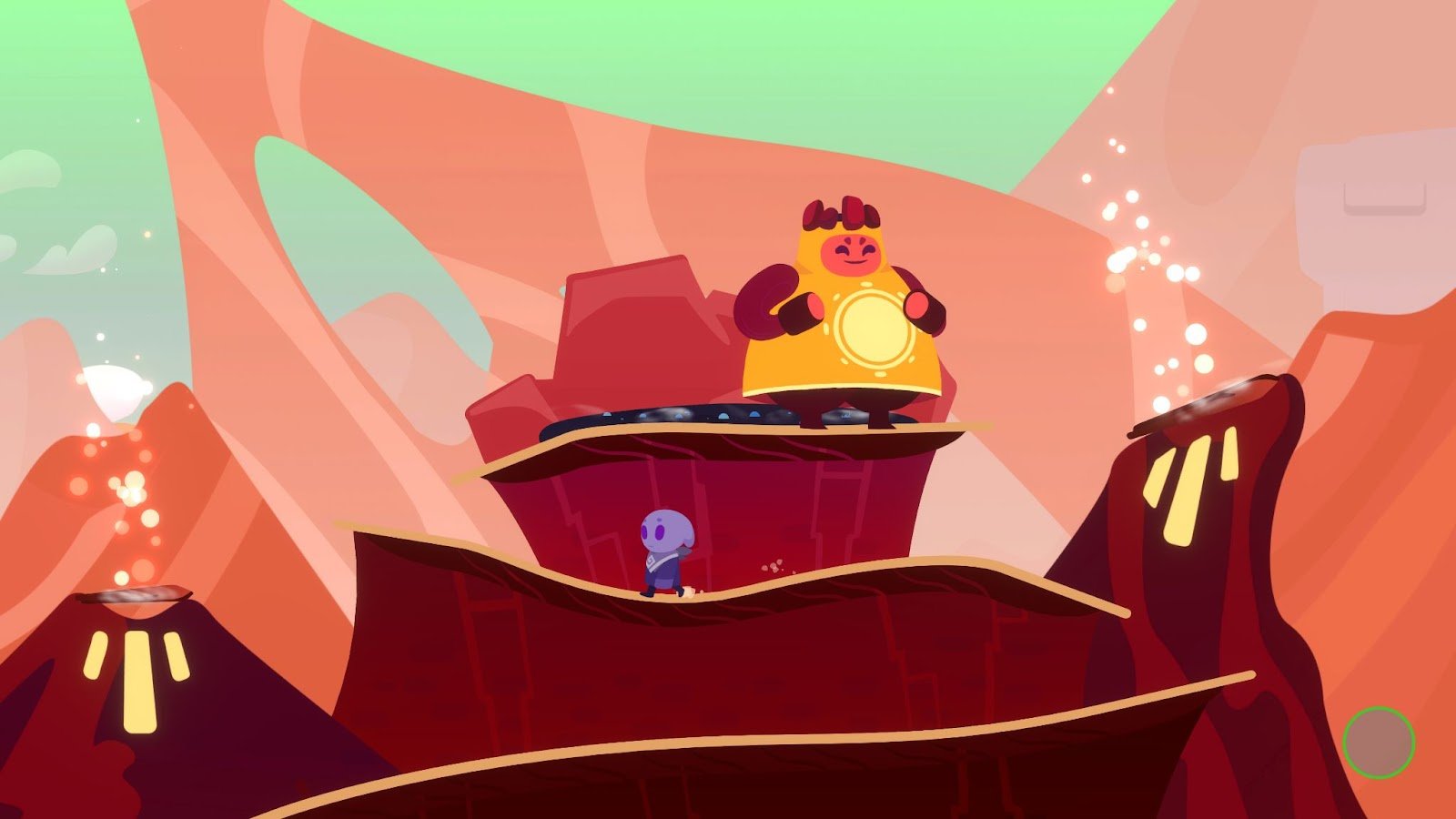
In One Hand Clapping, you can affect the gameplay by singing into the microphone at a specific pitch.
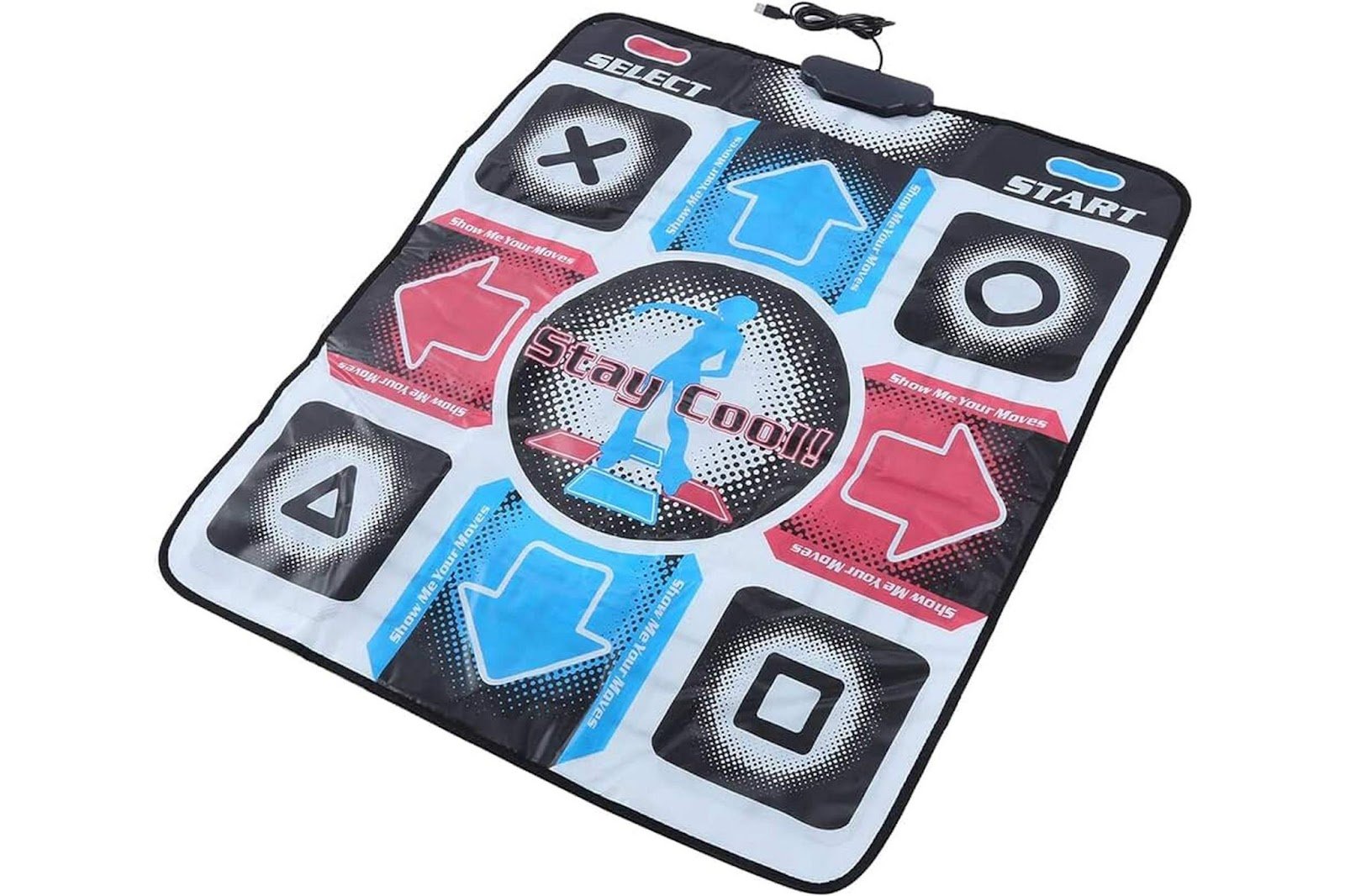
Home versions of Dance Dance Revolution, migrating from arcade machines, are controlled by dance mats. In essence, they represent nothing more than a set of buttons to step on, but this doesn't prevent the game from being an important milestone in the industry.
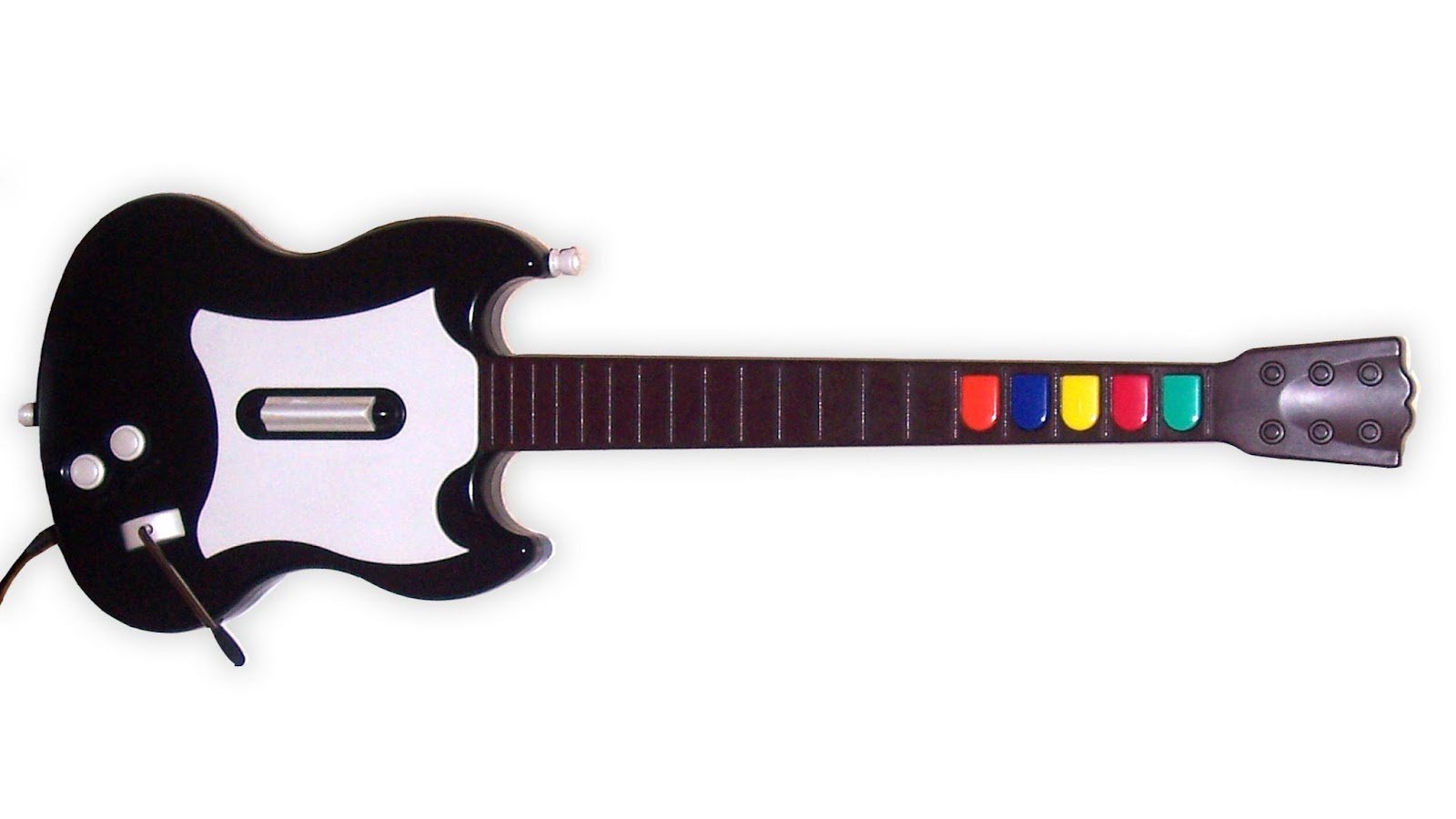
Guitar Hero conceptually resembles DDR. From the point of view of input organs, everything is quite ordinary, but players loved this format.
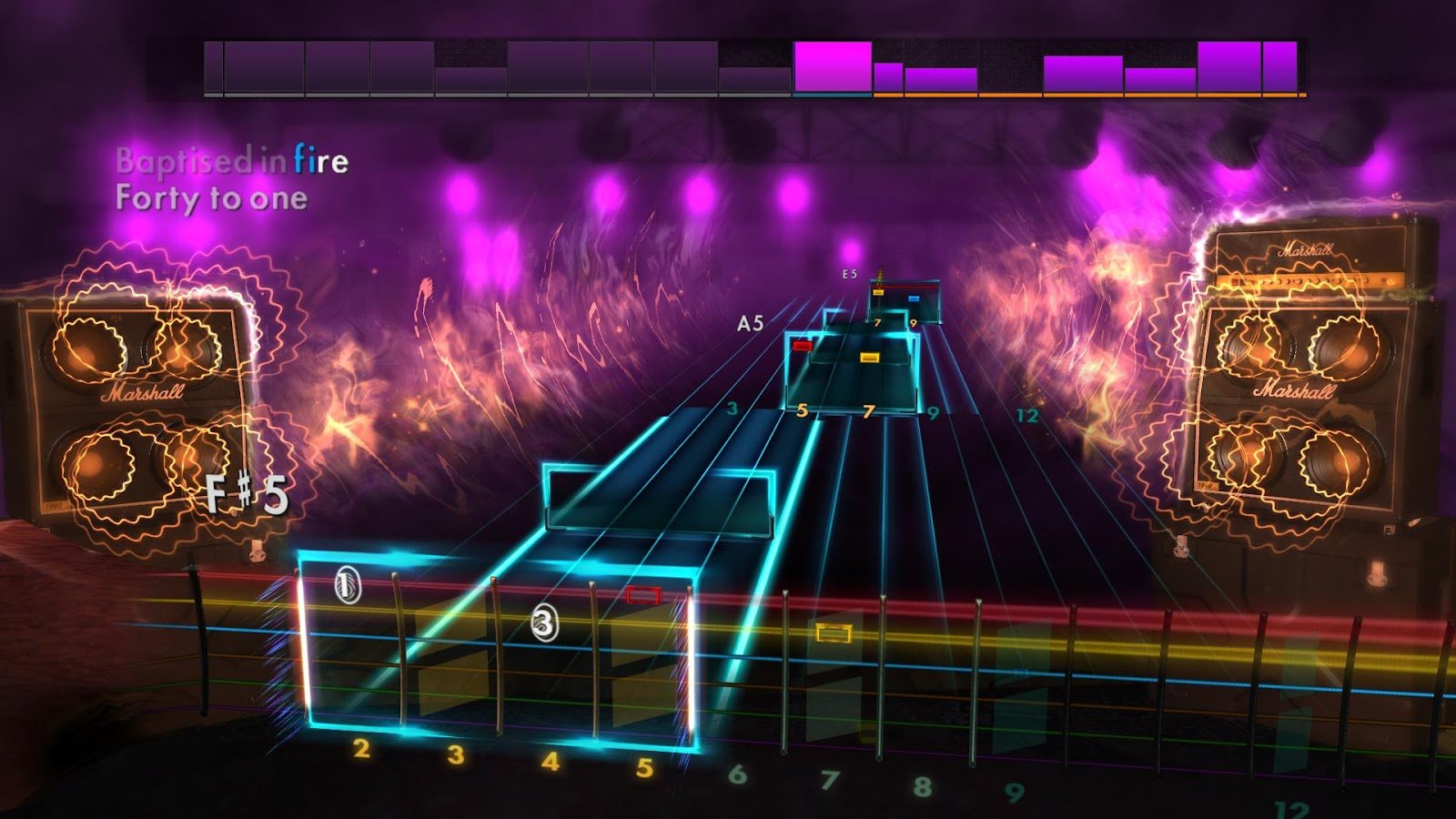
Rocksmith went further by using a real guitar or bass as a controller. This gives us an interactive music trainer and game in one package.
The history of gamepad development remembers many interesting ways to control gameplay. Not all experiments were successful, but they have conditioned evolution, and even the most familiar today things were once considered only experiments. Now, markerless hand-tracking and gesture control are in the spotlight. But traditional controllers don't plan to go away, and the data they collect is still relevant.
What's the point of all this? Why did you need to gather a history of input devices, remember wooden mice stuck to the table, and cumbersome arcade machines? It's said that without a past, there can be no future, and I tend to agree with this statement. Humanity has come a long way in just a few decades, and in recent years, adapting game devices for non-game purposes has been moving at a seven-league pace.
In the next parts, I'll tell you about different signals from input organs and how they are interpreted in games, about the use of unconventional controllers in medical devices and trainers, as well as unusual ways to control in educational and corrective software.
Read on, subscribe, and there's even more interesting content ahead!
https://pikabu.ru/story/samyie_neobyichnyie_igrovyie_kontrolleryi_4978756
https://stopgame.ru/blogs/topic/66250/samye_strannye_igrovye_ustroystva
https://www.playground.ru/misc/opinion/15_strannyh_igrovyh_ustrojstv_o_kotoryh_vy_ne_znali-704789
https://youtu.be/Xz9sDGYlJzY?si=9lkFOlV4i57PAcG7
https://youtu.be/Xz9sDGYlJzY?si=QFE1PTxhFgdyomve